Supabase GRANT vs RLS: Why Policies Alone Now Fail
A GRANT decides whether a role can use a table at all; RLS policies decide which rows it sees. A new table with good policies but no grant still returns 42501.

On this page
- What is the difference between a GRANT and RLS?
- Why do my policies "not work" with permission denied?
- What does each combination do?
- In what order should one migration set them up?
- How do you debug which layer is blocking you?
- Does service_role skip both?
- Is a grant without RLS ever OK?
- Where should you go next?
- FAQ
Short answer: In Supabase, GRANT vs RLS is two separate gates. A GRANT decides whether a role such as authenticated can touch a table at all; RLS policies decide which rows it sees once it's in. After Supabase's change reaches your project (all existing projects on Oct 30, 2026), a new table with perfect policies but no grant still returns "permission denied" (42501), so you need both.
By Gary, Greenlight · Last checked against the Supabase changelog and docs: Oct 20, 2026 · Drafted with AI tools and reviewed before publishing.
This page is about how the two layers fit together after the change. For the change itself, see our main guide: Will Supabase's October 30 change break your app?. For writing policies, see Postgres row level security: a Supabase guide.
Table names in this guide (like notes) are made-up examples. Swap in your own.
What is the difference between a GRANT and RLS?
Supabase puts it in one line: "RLS behavior remains unchanged. Grants are a separate layer: they control whether a role can access a table at all, while RLS controls which rows that role can see" (Supabase changelog (external)).
This matters for anything that goes through the Supabase Data API, which is what supabase-js calls: each request runs as anon or authenticated, and both layers apply to that role.
| GRANT | RLS policy | |
|---|---|---|
| Question it answers | Can this role use this table for this action? | Which rows can this role read or change? |
| Scope | Whole table (or columns) | Each row |
| Missing → | Error 42501 "permission denied for table" | No error; empty result or insert rejected |
| Changed on Oct 30? | Yes: new tables get none by default | No |
| Written as | grant select on public.t to authenticated; | create policy ... using (...) |
Postgres checks the grant first. Supabase's changelog says that if the grant is missing, "Postgres rejects the query before RLS comes into play" (Supabase changelog (external)). Once the role has the privilege, row security applies; with RLS on and no matching policy, the PostgreSQL docs describe a default deny where no rows are visible (PostgreSQL docs (external)).
Why do my policies "not work" with permission denied?
Because the request never reaches them. Before the change, Supabase granted select, insert, update and delete on every new public table to anon, authenticated and service_role, so people only ever thought about policies. Now new tables need an explicit grant before the Data API can see them, whatever created the table: SQL editor, migrations, CLI, MCP or an AI coding tool (Supabase changelog (external)).
So the symptom "I wrote the policy, it still says permission denied" almost always means a missing grant, not a broken policy.
What does each combination do?
A worked example (the table and numbers are made up to show the logic): a notes table with an owner policy (select auth.uid()) = user_id, requested by signed-in User A who owns 2 of 5 rows.
| Grant to authenticated | RLS | Policy | User A gets |
|---|---|---|---|
| none | on | yes | 42501 permission denied |
| none | off | n/a | 42501 permission denied |
select | off | n/a | all 5 rows (leak) |
select | on | none | 0 rows, no error |
select | on | owner policy | A's 2 rows (correct) |
Only the last row is right. The third row is why Supabase's 42501 docs say that once you grant privileges, you should enable RLS and write policies (Supabase docs (external)).
In what order should one migration set them up?
Create, lock, grant, then open rows on purpose:
-- 1. Create
create table public.notes (
  id bigint generated always as identity primary key,
  user_id uuid not null default auth.uid() references auth.users (id),
  body text not null
);

-- 2. Lock: RLS on before anything can reach it
alter table public.notes enable row level security;

-- 3. Grant: table-level access for the roles that need it
grant select, insert, update, delete on table public.notes to authenticated;

-- 4. Policies: which rows
create policy "own notes" on public.notes
for all to authenticated
using ( (select auth.uid()) = user_id )
with check ( (select auth.uid()) = user_id );
Inside one migration the order doesn't change the final result, but writing it this way makes reviews easy: a reader sees RLS on before any grant. Which roles to grant is covered in Supabase grants for anon and authenticated.
How do you debug which layer is blocking you?
- Error 42501? It's the grant layer. Check grants with the
information_schema.role_table_grantsquery from Supabase's docs (Supabase docs (external)), then add the one you need. Full steps: Supabase permission denied for table. - Empty list, no error? Grant is fine; RLS is filtering. Check that a
selectpolicy exists and that the user is signed in. - "new row violates row-level security policy"? Grant is fine; an insert or update failed a
with checkrule. - Everything returns, for everyone? Grant is there and RLS is off or a policy uses
using (true). Fix that first.
Does service_role skip both?
It skips RLS: Supabase's docs say the service role bypasses it (Supabase docs (external)). It doesn't skip the grant layer; the changelog lists service_role among the roles that used to receive the default grants (Supabase changelog (external)). Keep its key server-side; if it leaked, see our service role key guide.
Is a grant without RLS ever OK?
Only for data you'd publish anyway, and even then a simple using (true) select policy with RLS on is clearer and safer if you later add private columns. The public key is designed to be shared (is my Supabase anon key safe?), so the grant and the policy are what stand between it and your data.
Where should you go next?
To fix the error step by step, see Supabase permission denied for table; for local rebuilds, Supabase db reset permission denied. If a secret key ever reached your frontend, see Supabase service role key exposed?. Building with AI tools? Our Lovable launch checklist and what is vibe coding? cover the rest of a pre-launch pass, and the hub for this change is Will Supabase's October 30 change break your app?
FAQ
Did the change alter how RLS works? No. Supabase says RLS behavior is unchanged; only default grants changed.
My old tables still work. Why? Supabase says existing tables keep their current grants. Only tables created after the change reaches your project need new grants.
Where do I learn RLS basics? Start with what is Supabase RLS?.
Does this matter if I use a direct database connection? Supabase says direct Postgres connections (psql, ORM, server connection string) aren't affected by the change.
Sources
On this site
Related posts
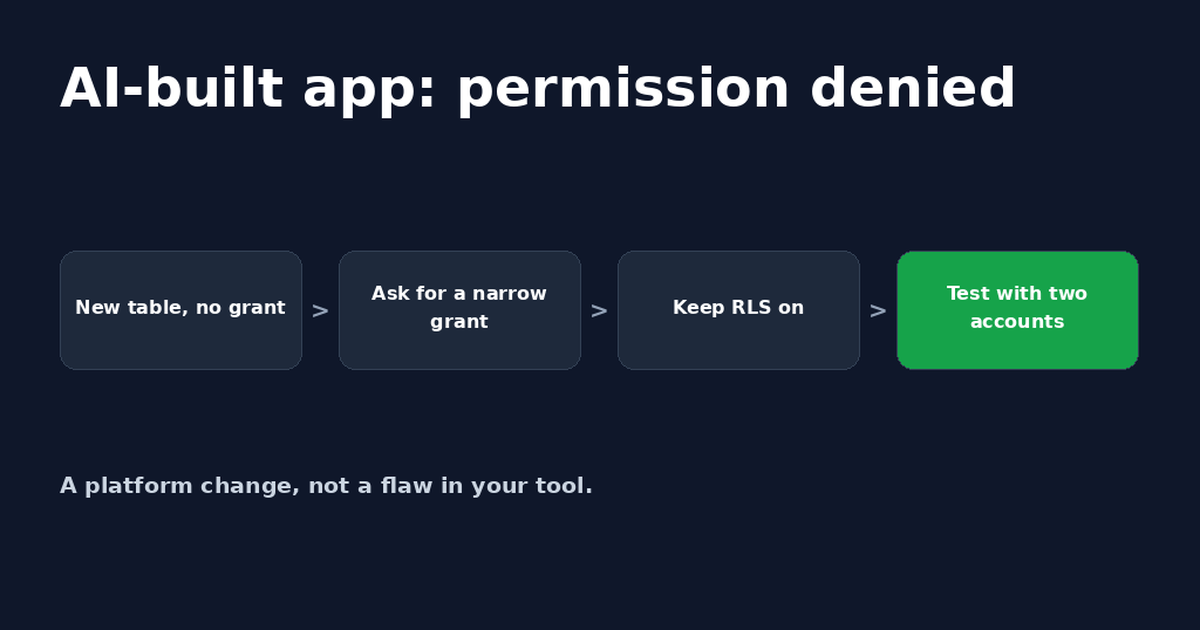
Lovable Supabase Permission Denied? Fix for Bolt Apps Too
A Lovable or Bolt app saying Supabase permission denied usually means a new table has no GRANT. A safe prompt for your AI tool and how to check it.
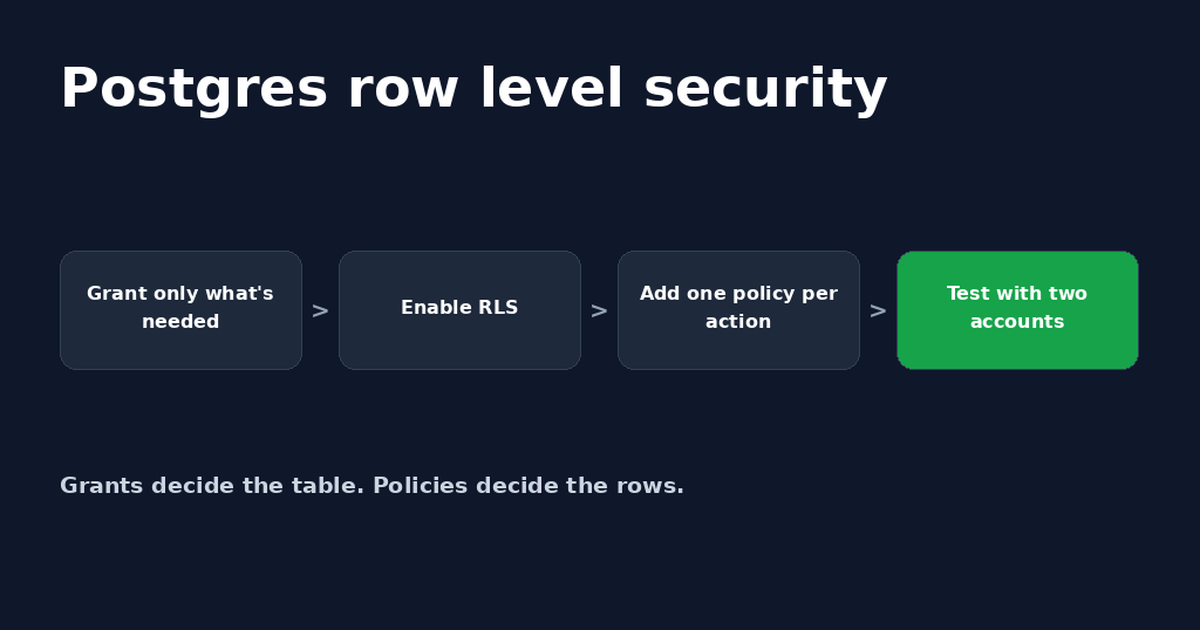
Postgres Row Level Security: A Supabase Guide
Postgres row level security decides which rows each user can read or change. Set it up in Supabase, write policies and fix common errors.
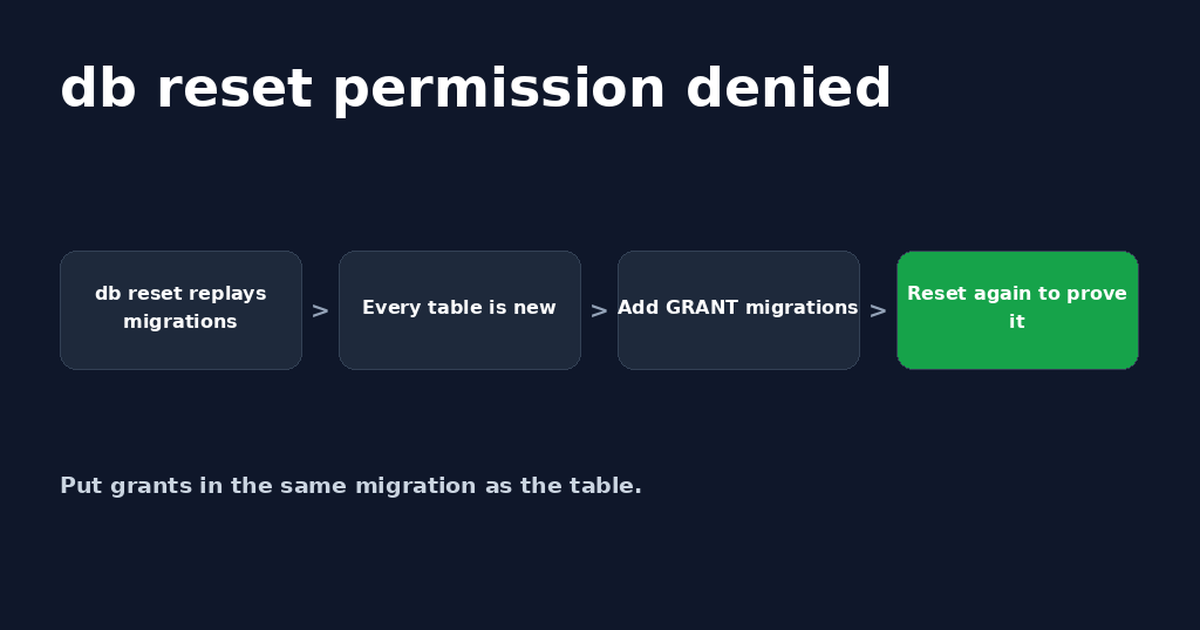
Supabase db reset: Fix Permission Denied After Oct 30
Supabase db reset permission denied (42501) happens because rebuilt tables no longer get default grants. Add GRANTs to migrations and retest.


Get the next change before it bites
Greenlight tips and new blog posts: short, practical notes when Supabase, Lovable, Bolt, Cursor or another tool you build with changes something that affects your app, plus what to check. About twice a month.
We'll send a confirmation email first. Unsubscribe anytime. Privacy. Greenlight My App is independent and not affiliated with or endorsed by Supabase, Lovable, Bolt, Cursor or any other tool we mention.
Greenlight is independent and not affiliated with or endorsed by Supabase or PostgreSQL. Product names are used only to identify the tools this guide is about. Code is example SQL; test it on a copy of your project before running it in production. This page is general information, not professional security advice, legal advice, a security audit or a guarantee. Check your own setup against the vendor's current docs.