Supabase permission denied for table (42501) after Oct 30: how to fix it
Supabase permission denied for table after Oct 30, 2026? New public tables need an explicit GRANT. The safe fix: same-migration grants plus RLS.

On this page
- What is Supabase changing on October 30, 2026?
- Will my existing tables break?
- Who is affected?
- What does the 42501 error look like?
- How do I fix permission denied for table in Supabase?
- A table only signed-in users use
- A table logged-out visitors should read
- What not to do
- Why grants and RLS are separate layers
- A prompt to paste into your AI builder
- How can I check my app before October 30?
- FAQ
Short answer: If your Supabase app shows "permission denied for table" (error 42501) on a table created after the change reached your project (October 30, 2026 for existing projects; earlier for most newer projects), the table is most likely missing a GRANT. Supabase's changelog says that from that date, new tables in the public schema "require an explicit opt-in (via a Postgres grant) before the Data API can see them." Add the specific grant your app needs, enable Row Level Security, and add policies.
By Gary, Greenlight · Last checked against Supabase's changelog and docs: Oct 20, 2026 · Drafted with AI tools and reviewed before publishing.
Want an outside look at your live app? Our Oct 30 check lists which tables your public key can reach and gives you a copy-paste prompt for your AI builder. It's read-only and educational, not a security audit. You can also run the free check from the home page.
What is Supabase changing on October 30, 2026?
Supabase is changing a default, in stages. In its own words: "On October 30, 2026 the setting will be applied it [sic] to all existing projects." Earlier stages already happened:
| Date | What Supabase says happens |
|---|---|
| April 28, 2026 | New projects can opt in to the new behavior at creation |
| May 30, 2026 | The new behavior becomes the default for new projects (gradual rollout) |
| October 30, 2026 | The new behavior is applied to all existing projects |
Before this change, with default settings, Supabase granted select, insert, update and delete on every new public table to the anon, authenticated and service_role roles. Every table was reachable through the Data API the moment it was created. After the change, a new table exists in your database but your app can't reach it until you grant access.
This is a default your project controls. Supabase made new tables less reachable by default; the extra step is deciding who should have access.
Will my existing tables break?
No. Supabase says: "Existing tables are not affected in your project, they keep their current grants and stay reachable."
The change only bites when something creates a new table after the change reaches your project. That includes more than you might expect:
- A migration you or your AI builder writes for a new feature
- A brand-new Supabase project
- A preview branch built from your migrations
supabase db reseton a local or branch database, which recreates tables from migrations
If your migrations never included grants (because they used to be automatic), a fresh environment built from them may now have tables your app can't reach.
Who is affected?
Supabase says this applies to projects that use the Data API, "Supabase's auto-generated REST and GraphQL layer, which is what supabase-js and our other client libraries call."
You're likely affected if:
- Your app calls Supabase from the browser or a mobile app with
supabase-js. - You build with an AI tool such as Lovable, Bolt, Cursor or v0 that creates tables for you.
- Your migrations create
publictables with noGRANTstatements.
You're not affected, per Supabase, if your app only talks to Postgres over a direct connection: psql, an ORM like Prisma or Drizzle, or a server with a connection string.
What does the 42501 error look like?
Supabase's changelog shows the response PostgREST returns when a grant is missing:
{
  "code": "42501",
  "message": "permission denied for table your_table",
  "hint": "Grant the required privileges to the current role with: GRANT SELECT ON public.your_table TO anon;"
}
In your app, this usually shows up as a page that loads no data, a form that won't save, or a list that's always empty. The hint names the role and the privilege that's missing. Use that hint for that one table, not as a reason to grant everything.
How do I fix permission denied for table in Supabase?
Decide who should use the table, then grant only that. Supabase's Securing your API (external) guide says to "grant the minimum privileges each role needs" and to "bundle grants with your RLS setup in the same migration."
A table only signed-in users use
create table public.notes (
  id bigint generated by default as identity primary key,
  user_id uuid not null default auth.uid(),
  body text
);

grant select, insert, update, delete on public.notes to authenticated;
grant select, insert, update, delete on public.notes to service_role;

alter table public.notes enable row level security;

create policy "owners read their notes" on public.notes
  for select to authenticated using (auth.uid() = user_id);
create policy "owners write their notes" on public.notes
  for insert to authenticated with check (auth.uid() = user_id);
No grant to anon at all. Logged-out visitors can't reach the table, and signed-in users only see their own rows.
A table logged-out visitors should read
grant select on public.products to anon;
grant select on public.products to authenticated;
alter table public.products enable row level security;
create policy "public can read products" on public.products
  for select to anon, authenticated using (true);
Only select. Writes stay with your server code using service_role.
What not to do
Don't fix one error by granting everything to everyone:
-- Don't do this
grant all on all tables in schema public to anon;
That reaches every table, including ones that hold private data, and default-privilege variants of it also reach tables you create later. Grants decide whether a role can reach a table at all; RLS decides which rows it sees. You want both, set deliberately.
Why grants and RLS are separate layers
Supabase says: "RLS behavior remains unchanged. Grants are a separate layer: they control whether a role can access a table at all, while RLS controls which rows that role can see."
Think of it as two doors:
- The grant is the front door to the table. No grant, and the API answers 42501.
- RLS policies are the rules inside: which rows a user can read or change.
A grant with RLS turned off means anyone with that role can read every row. That's why the fix above always pairs the grant with enable row level security. If you're new to RLS, start with what Supabase RLS is.
A prompt to paste into your AI builder
If an AI tool writes your migrations, give it the rule once so every future table follows it:
From October 30, 2026, Supabase no longer exposes new public tables to the Data API automatically.
For every new table:
1. In the SAME migration that creates it, add only the grants the app needs
   (authenticated for signed-in features; anon select ONLY if logged-out visitors truly need to read it;
   service_role for server code).
2. Enable Row Level Security and add policies for each operation.
3. Never grant ALL to anon, and never add a blanket "all tables in schema public" grant.
4. Apply the same to seed scripts, preview branches and db reset flows.
5. If you see error 42501, add the single GRANT from the error hint for that table and role.
Show me the migration before applying it.
How can I check my app before October 30?
Inside Supabase, run this in the SQL editor to see each table's grants:
select table_name, grantee, privilege_type
from information_schema.role_table_grants
where table_schema = 'public'
order by table_name, grantee;
Then check that every table you reach from the browser has RLS on (Table Editor shows it, or select relname, relrowsecurity from pg_class where relnamespace = 'public'::regnamespace;).
From the outside, our Oct 30 check looks at your live app the way a visitor's browser does. It finds your Supabase project URL and public key in your page, lists the tables the Data API shows to that key, and counts (without reading) whether each one returns rows. It never sends writes; if your API description offers writes, it says "possible" rather than testing them. Educational, not a security audit.
Also worth a read: is the Supabase anon key safe to ship? and the plain-English overview, will Supabase's Oct 30 change break your app?
FAQ
Will my Supabase app stop working on October 30? Not because of existing tables; Supabase says they keep their grants. Features that create new tables without a grant are what break.
Does this change expose my data? Not by itself. New tables become less reachable by default. The main risk is a broken feature, or a leak if someone fixes the error with a blanket grant and no RLS.
Do I still need RLS? Yes. Grants and RLS are separate, and you need both.
I use Prisma, Drizzle or psql. Am I affected? Per Supabase, direct Postgres connections aren't affected. The change applies to the Data API.
What does error 42501 mean? "Permission denied for table": the role making the request has no grant on that table. The error's hint shows the grant to add.
Should I just grant everything to anon to make the error go away?
No. Grant select to anon only for data that's meant to be public, and protect it with RLS policies.
Do preview branches and db reset need grants too? Yes. Anything that recreates tables from your migrations needs the grants written into those migrations.
Sources
On this site
Related posts
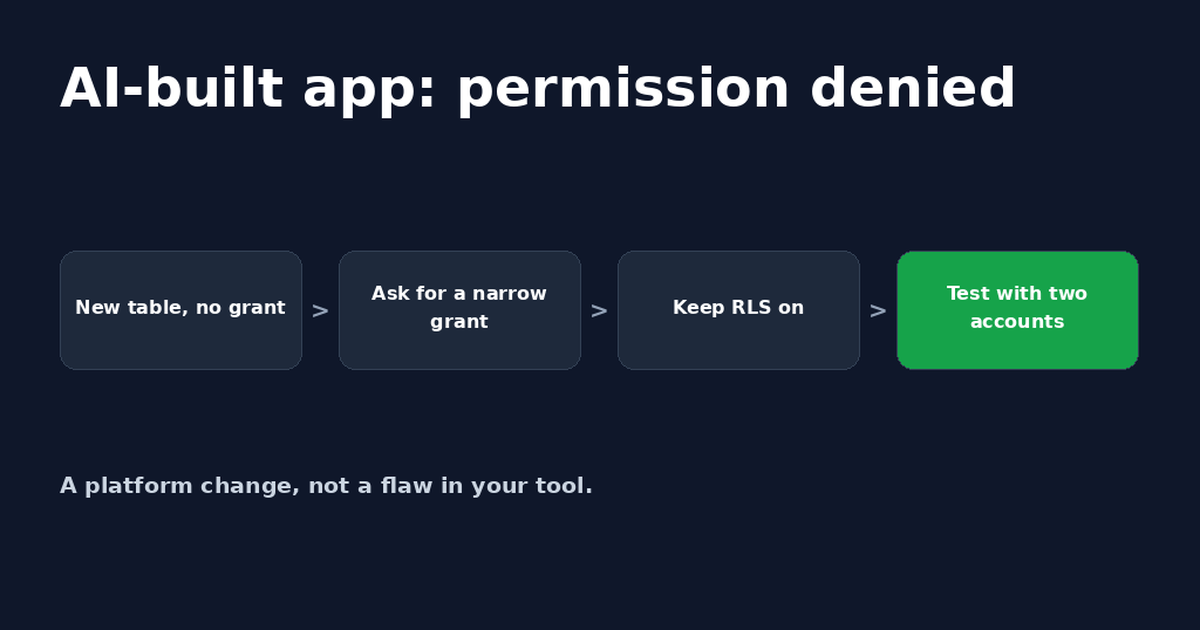
Lovable Supabase Permission Denied? Fix for Bolt Apps Too
A Lovable or Bolt app saying Supabase permission denied usually means a new table has no GRANT. A safe prompt for your AI tool and how to check it.
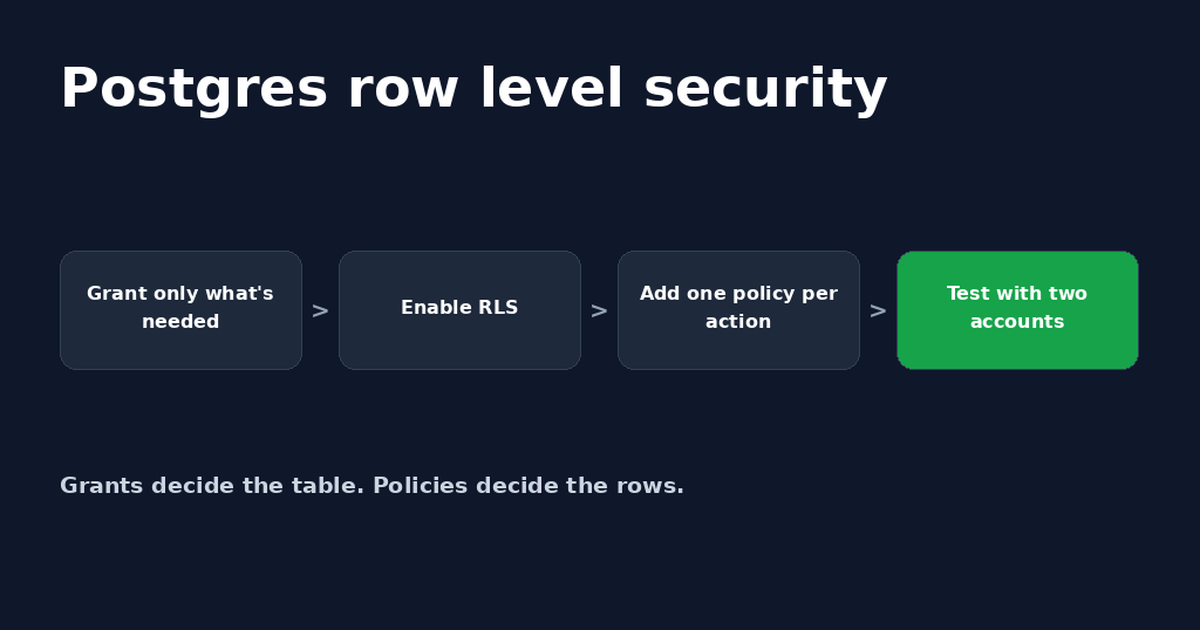
Postgres Row Level Security: A Supabase Guide
Postgres row level security decides which rows each user can read or change. Set it up in Supabase, write policies and fix common errors.
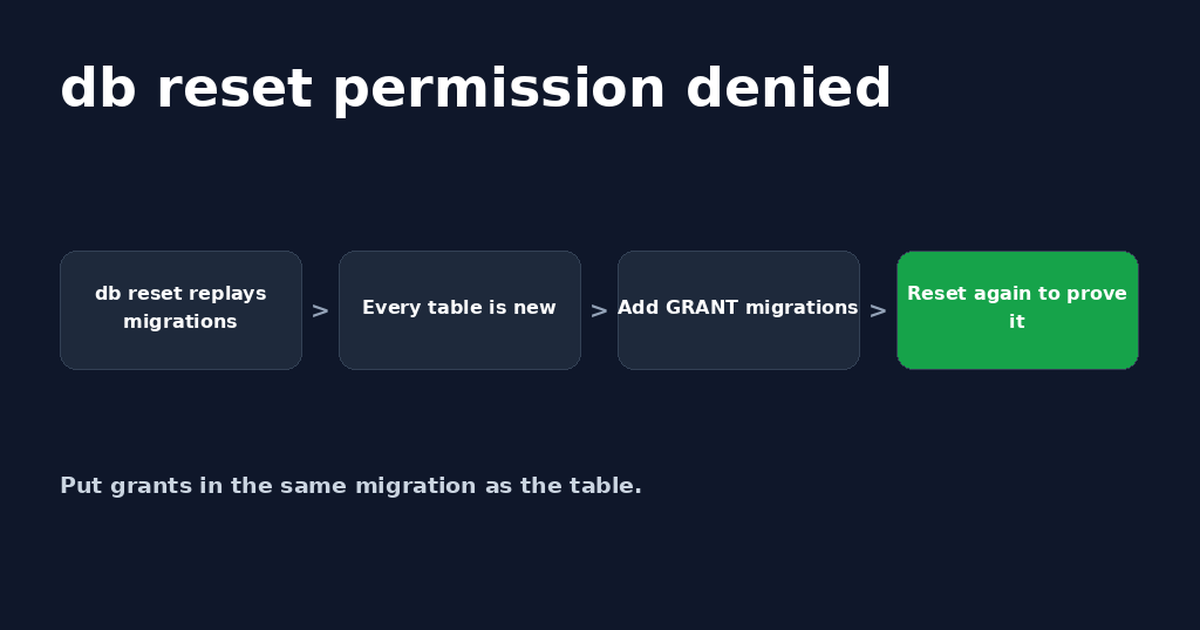
Supabase db reset: Fix Permission Denied After Oct 30
Supabase db reset permission denied (42501) happens because rebuilt tables no longer get default grants. Add GRANTs to migrations and retest.


Get the next change before it bites
Greenlight tips and new blog posts: short, practical notes when Supabase, Lovable, Bolt, Cursor or another tool you build with changes something that affects your app, plus what to check. About twice a month.
We'll send a confirmation email first. Unsubscribe anytime. Privacy. Greenlight My App is independent and not affiliated with or endorsed by Supabase, Lovable, Bolt, Cursor or any other tool we mention.
Greenlight is independent and not affiliated with or endorsed by Supabase, PostgREST, Lovable, Bolt, Cursor, v0, Prisma or Drizzle. Product names are used only to describe compatibility. Educational, not a security audit. This page is general information, not professional security advice, legal advice, a security audit or a guarantee. Check your own setup against the vendor's current docs.