Supabase db reset: Fix Permission Denied After Oct 30
supabase db reset rebuilds every table from your migrations, and newer CLI versions no longer add default grants. Add explicit GRANTs to your migrations.

On this page
- Why does supabase db reset cause permission denied?
- Does this affect preview branches and new projects too?
- Can I just set autoexposenew_tables = true?
- How do you add grants to existing migrations?
- Option A: one follow-up migration (fastest)
- Option B: grant next to each create table (cleanest)
- How do you test the fix locally?
- What should you not grant while fixing this?
- Why does production still work?
- Where should you go next?
- FAQ
Short answer: Supabase db reset permission denied (42501) happens because supabase db reset rebuilds every table from your migrations, and newer CLI versions no longer add the old default grants to new tables. So a schema that works in production, where tables kept their old grants, breaks locally. The lasting fix is to put explicit GRANT lines in your migrations, then run supabase db reset again to prove it.
By Gary, Greenlight · Last checked against the Supabase changelog, CLI repository and docs: Oct 20, 2026 · Drafted with AI tools and reviewed before publishing.
The broader change is explained in our main guide: Will Supabase's October 30 change break your app?. This page covers environments that rebuild your schema from scratch.
Table names in this guide (like notes, profiles, posts and invoices) are made-up examples. Swap in your own.
Why does supabase db reset cause permission denied?
Supabase changed its platform so that new tables in the public schema are no longer exposed to the Data API automatically; existing tables keep their grants (Supabase changelog (external)). The Supabase CLI made the same change locally. Commit 5b12151 in the CLI repository (merged June 10, 2026) flips the [api].auto_expose_new_tables default from true to false to match the new cloud default (Supabase CLI commit (external)).
db reset drops your local database and replays every migration. To Postgres, every table is new. If your migrations never contained grants, because the old default added them for you, none of your tables are reachable through the local Data API, and supabase-js gets:
{ "code": "42501", "message": "permission denied for table your_table" }That's the error format Supabase documents for a missing grant (Supabase changelog (external)).
Does this affect preview branches and new projects too?
It can. Anything that builds a fresh database from your migrations creates every table new, so the same thing happens there. The changelog lists "your migrations or provisioning flow create tables in public without explicit GRANT statements" as one of the cases where you need to act (Supabase changelog (external)). The same migration fix below covers all of them.
Can I just set auto_expose_new_tables = true?
Only as a short-term bridge. Per the CLI commit, setting it to true explicitly prints a warning that "api.auto_expose_new_tables is deprecated and will be removed on 2026-10-30" (Supabase CLI commit (external)). It also only affects your local stack, not hosted projects. Fix the migrations instead.
How do you add grants to existing migrations?
You have two options.
Option A: one follow-up migration (fastest)
Create a new migration that grants what each existing table needs:
supabase migration new add_explicit_grants-- supabase/migrations/<timestamp>_add_explicit_grants.sql
-- Private, signed-in data
grant select, insert, update, delete on table public.notes to authenticated;
grant select, insert, update, delete on table public.profiles to authenticated;
-- Public read-only data
grant select on table public.posts to anon, authenticated;
-- Server jobs that use the Data API with the secret key
grant select, insert, update, delete on table public.notes, public.profiles, public.posts to service_role;Because it runs after the tables are created, db reset ends with the grants in place. On a hosted project where the tables already have the old grants, these lines are harmless: PostgreSQL says new privileges "are added to those already granted, if any" (PostgreSQL docs (external)).
Option B: grant next to each create table (cleanest)
Edit each create table migration so the grant sits beside it. Only do this for migrations that haven't run on shared environments yet, or your history will diverge. Going forward, make it a habit:
create table public.invoices ( ... );
alter table public.invoices enable row level security;
grant select on table public.invoices to authenticated;
create policy "own invoices" on public.invoices
for select to authenticated using ( (select auth.uid()) = user_id );
Which roles to grant is covered in Supabase grants for anon and authenticated.
How do you test the fix locally?
- Run
supabase db reset. - In the local SQL editor, check grants (Supabase docs (external)):
select table_name, grantee, string_agg(privilege_type, ', ') as privileges
from information_schema.role_table_grants
where table_schema = 'public'
  and grantee in ('anon', 'authenticated', 'service_role')
group by table_name, grantee
order by table_name, grantee;- Any table your app uses that's missing from the list still needs a grant.
- Sign in as a test user in your app and click through every screen that loads or saves data.
- Commit the migration so preview environments and teammates get it.
What should you not grant while fixing this?
- Not
grant all ... to anon. It includes privileges a browser never needs (PostgreSQL docs (external)). - Not grants on tables the client never reads. Leave internal tables with no
anonorauthenticatedgrant at all. - Not grants without RLS. Supabase's 42501 page says to enable RLS and write policies whenever you grant access (Supabase docs (external)). See Supabase GRANT vs RLS for how the two layers work together.
Why does production still work?
Existing hosted tables keep the grants they already have (Supabase changelog (external)). Production only breaks for tables created after the change reaches it, which for existing projects is Oct 30, 2026. Fixing migrations now means that day is a non-event. Hit the error in production? See Supabase permission denied for table.
Where should you go next?
Which roles to grant is in Supabase grants for anon and authenticated, and policy patterns are in Postgres row level security: a Supabase guide. If a secret key ever reached your frontend, see Supabase service role key exposed?. Building with AI tools? Our Lovable launch checklist and what is vibe coding? cover the rest of a pre-launch pass, and the hub for this change is Will Supabase's October 30 change break your app?
FAQ
Do I need to upgrade the CLI? The new default arrives with CLI versions that include commit 5b12151. Older versions behave the old way locally, which can hide the problem until a hosted environment rebuilds.
Does a direct database connection hit this? No. Supabase says direct Postgres connections aren't affected.
How do I check my hosted project too? For your local stack, the grant query above is the direct check. For hosted projects, see our Oct 30 checker and Supabase's Security Advisor, which Supabase says flags affected tables.
My server uses the service role key and gets 42501. The service role bypasses RLS but still needs a grant if it goes through the Data API. If that key ever reached the browser, see our service role key guide.
Sources
On this site
Related posts
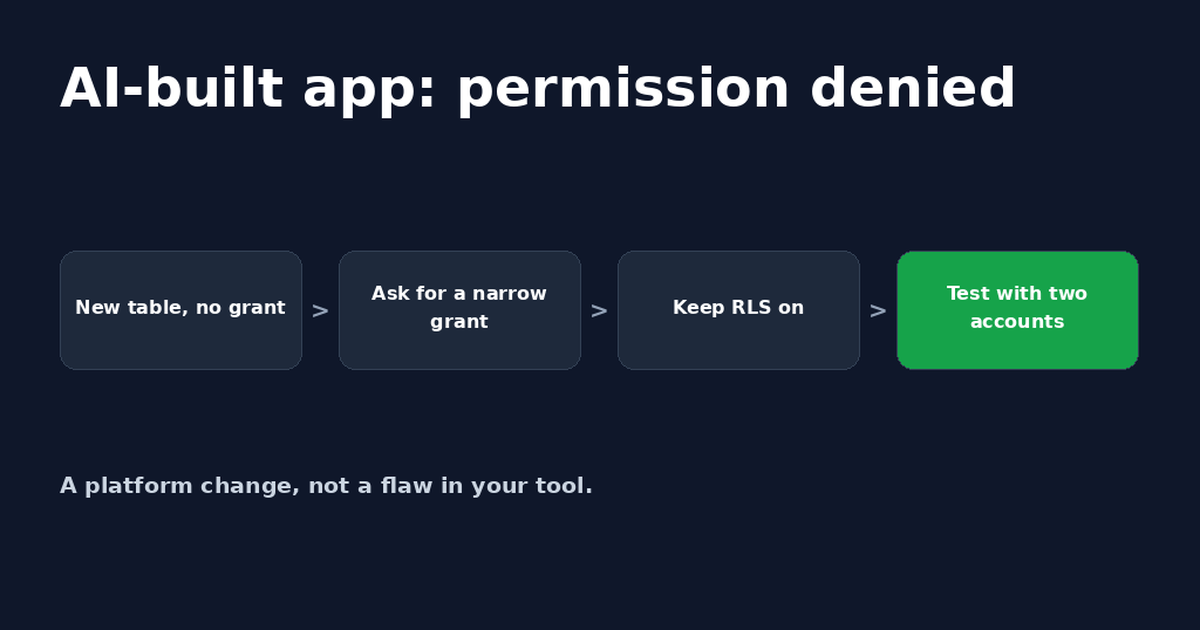
Lovable Supabase Permission Denied? Fix for Bolt Apps Too
A Lovable or Bolt app saying Supabase permission denied usually means a new table has no GRANT. A safe prompt for your AI tool and how to check it.
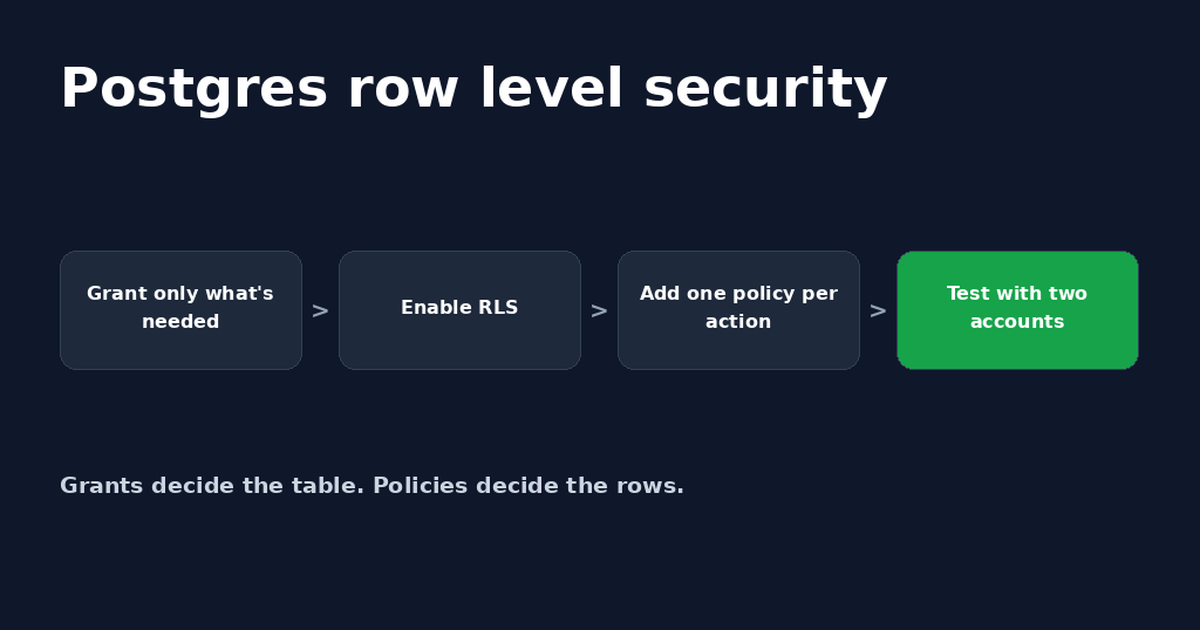
Postgres Row Level Security: A Supabase Guide
Postgres row level security decides which rows each user can read or change. Set it up in Supabase, write policies and fix common errors.
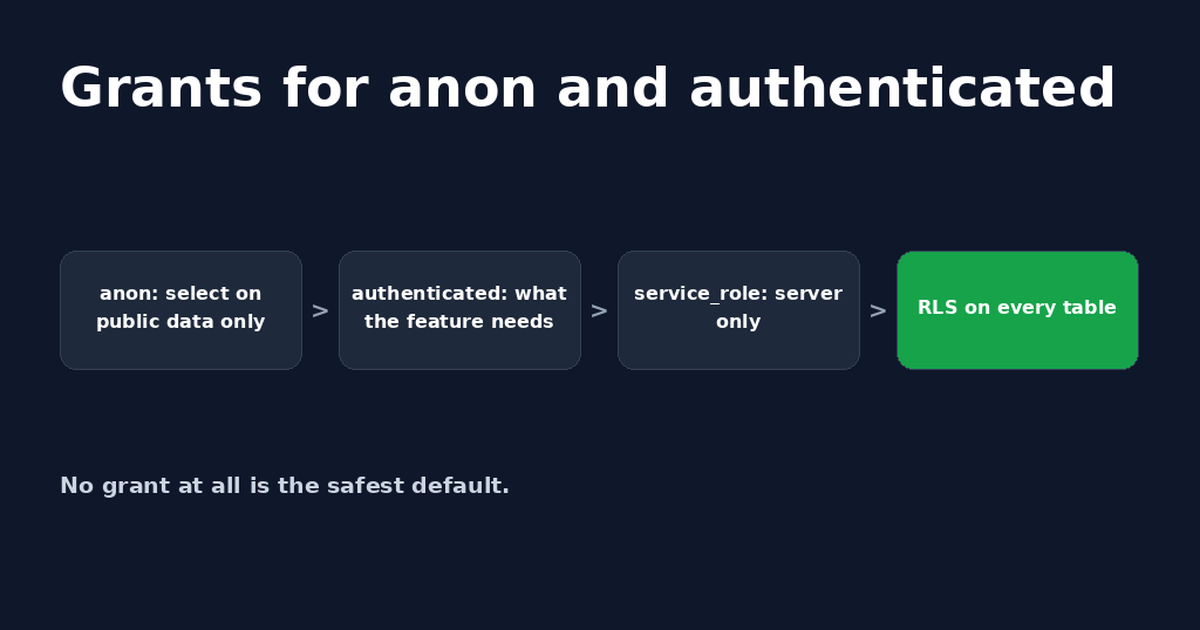
Supabase Grant: GRANT SELECT and USAGE for Each Role
Which Supabase grant does each role need? When to use grant select vs grant usage, copy-paste SQL for anon and authenticated, and service_role notes.


Get the next change before it bites
Greenlight tips and new blog posts: short, practical notes when Supabase, Lovable, Bolt, Cursor or another tool you build with changes something that affects your app, plus what to check. About twice a month.
We'll send a confirmation email first. Unsubscribe anytime. Privacy. Greenlight My App is independent and not affiliated with or endorsed by Supabase, Lovable, Bolt, Cursor or any other tool we mention.
Greenlight is independent and not affiliated with or endorsed by Supabase or PostgreSQL. Product names are used only to identify the tools this guide is about. Code is example SQL; test it on a copy of your project before running it in production. This page is general information, not professional security advice, legal advice, a security audit or a guarantee. Check your own setup against the vendor's current docs.