Postgres Row Level Security: A Supabase Guide
Postgres row level security (RLS) filters every query through rules called policies, so each user sees or changes only the rows they're allowed to.

On this page
- What is Postgres row level security?
- How do you enable RLS on a Supabase table?
- Do grants matter if RLS is on?
- How do you write a Supabase RLS policy?
- How do you fix "new row violates row-level security policy"?
- How do you fix error 42501 after Supabase's Oct 30 change?
- What are the most common RLS policy mistakes?
- How do you write a team-based policy?
- How do you test RLS policies?
- FAQ
Short answer: Postgres row level security (RLS) is a database feature that filters every query by rules called policies, so each user only sees or changes the rows they're allowed to. In Supabase, any visitor can call your database with the public key, so RLS on every table with private data is what actually protects it. Turn it on with alter table ... enable row level security, then add one policy per action.
By Gary, Greenlight · Last checked against the Supabase and PostgreSQL docs: Oct 20, 2026 · Drafted with AI tools and reviewed before publishing.
New to the idea? Start with what is Supabase RLS?. This guide is the hands-on version: setup, policy examples and the errors you'll hit.
What is Postgres row level security?
Normally a Postgres role that can read a table can read every row. With row level security on, PostgreSQL docs say "normal access to the table for selecting rows or modifying rows must be allowed by a row security policy." If RLS is on and there's no policy, a default-deny applies: no rows are visible and none can be changed (PostgreSQL docs (external)).
Supabase builds on this. Its browser clients use the public anon or publishable key, which is meant to be public. Supabase's docs say "a table in an exposed schema without RLS is readable and writable by any role with a grant on it," so enable RLS on every table in an exposed schema. Once it's on, no data is reachable through the API with a publishable key until you create policies (Supabase docs (external)).
How do you enable RLS on a Supabase table?
In the SQL editor:
alter table public.notes enable row level security;Don't assume a table has RLS on because of how it was created. Run the line for every table you create, ideally in the same migration. Supabase says the Data API exposure badge in the Table Editor and the Security Advisor list the tables worth reviewing (Supabase changelog (external)).
Do grants matter if RLS is on?
Yes. Grants decide whether a role can reach a table at all; policies decide which rows. Supabase's docs warn that "adding policies doesn't take those grants back," so a table protected only by policies can still give anon an insert path if you never revoked the grant. Their pattern is to revoke the client roles' grants, then grant each role only the operations it needs, in the same migration as RLS and policies (Supabase docs (external)):
alter table public.notes enable row level security;
revoke all on table public.notes from anon, authenticated;
grant select, insert, update, delete on table public.notes to authenticated;
Here signed-out visitors get no grant at all, because they never need notes. Don't blanket-grant everything to anon.
How do you write a Supabase RLS policy?
A policy says which action, for whom, and which rows. using filters rows you read, update or delete; with check validates rows you insert or update (CREATE POLICY (external)). For a notes table with a user_id column:
-- Read your own notes
create policy "read own notes" on public.notes
for select to authenticated
using ( (select auth.uid()) = user_id );

-- Create notes only as yourself
create policy "insert own notes" on public.notes
for insert to authenticated
with check ( (select auth.uid()) = user_id );

-- Update only your own, and you can't hand it to someone else
create policy "update own notes" on public.notes
for update to authenticated
using ( (select auth.uid()) = user_id )
with check ( (select auth.uid()) = user_id );

-- Delete only your own
create policy "delete own notes" on public.notes
for delete to authenticated
using ( (select auth.uid()) = user_id );
Supabase recommends wrapping auth.uid() in (select ...) and adding to authenticated for performance, and indexing the columns your policies use (Supabase docs (external)):
create index on public.notes (user_id);Public read, private write (for a blog or product list):
grant select on table public.posts to anon, authenticated;
create policy "anyone can read posts" on public.posts
for select to anon, authenticated using ( true );
Supabase notes that a using (true) policy for anon "grants every unauthenticated visitor read access to every row the role can already reach through grants," so only use it on data you'd happily publish (Supabase docs (external)).
How do you fix "new row violates row-level security policy"?
This error means an insert or update failed a with check rule, or there's no insert/update policy at all. Work through it in order:
- Is there a policy for that action? Select-only policies don't allow inserts.
- Is the user signed in? A
to authenticatedpolicy rejects anonymous requests, andauth.uid()is null for them. - Is
user_idset to the signed-in user? If your frontend forgets to send it, the checkauth.uid() = user_idfails. A safer pattern is a column default:alter table public.notes alter column user_id set default auth.uid(); - Upserts need both insert and update policies, and often select too.
How do you fix error 42501 after Supabase's Oct 30 change?
Supabase is rolling out a change: on Oct 30, 2026, it applies to all existing projects (new projects got it from May 30). After that, new tables you create in the public schema need an explicit grant before the Data API can reach them. Without one, PostgREST returns error 42501, "permission denied for table", with a hint showing the missing grant. Tables that already exist keep their current grants (Supabase changelog (external)). A grant decides whether a role can reach the table at all; RLS still decides which rows. You need both. Step-by-step fix: Supabase permission denied for table, and how the two layers combine: Supabase GRANT vs RLS. See our Oct 30 change explainer and Oct 30 checker for the exact grant to use.
What are the most common RLS policy mistakes?
- RLS on, no policies. Everything returns empty and people think the app is broken, then "fix" it with
using (true). That reopens the table to everyone. Write the real policy instead. using (true)on private tables. It means "every row, for every role you listed." Fine for public posts, wrong for profiles, orders or messages.- Trusting data the user can edit. Supabase's docs warn that
raw_user_meta_data"can be updated by the authenticated user", so don't base policies on it (Supabase docs (external)). Use your own table of roles, orraw_app_meta_data. - Forgetting
with checkon update. Without it, a user may be able to changeuser_idon their own row and move it to someone else. - One policy for
all. It's legal, but separate policies per action are easier to read and test. - Testing with the service role key. It bypasses RLS, so every test passes. Test with real user sessions.
How do you write a team-based policy?
Many apps share rows within a team. Keep a membership table and check it in the policy:
create policy "team members read projects" on public.projects
for select to authenticated
using (
  team_id in (
    select team_id from public.team_members
    where user_id = (select auth.uid())
  )
);
Put RLS on team_members too, and index team_members (user_id) and projects (team_id). Test it with two accounts on different teams, plus one account on both.
How do you test RLS policies?
Don't trust a policy you haven't tried to break. A simple two-account test:
| Test | Signed in as | Expected |
|---|---|---|
| Read notes | User A | only A's rows |
| Read notes | User B | only B's rows |
| Read notes | not signed in | 0 rows |
Insert note with user_id = B | User A | rejected |
| Update B's note | User A | 0 rows changed |
Run these from your app or with the Supabase JS client using each user's session, never with the service role key, which bypasses RLS (Supabase docs (external)). If a secret key ever reaches the browser, follow our rotation guide. Building with Lovable? Its RLS steps are in our Lovable launch checklist, and what is vibe coding? explains why AI-built apps so often ship tables without policies.
FAQ
Does RLS slow down queries?
It can on large tables. Index policy columns and use the (select auth.uid()) pattern Supabase recommends.
Is the Supabase anon key safe if RLS is on? Yes, it's designed to be public. See is my Supabase anon key safe?
Does the table owner bypass RLS?
In plain Postgres, owners and superusers bypass it unless you use force row level security (PostgreSQL docs (external)).
Do views respect RLS?
Not by default. Supabase's docs say views bypass RLS by default because they're usually created by the postgres user; on Postgres 15 and above, create them with (security_invoker = true) so the caller's permissions and policies apply (Supabase docs (external); PostgreSQL CREATE VIEW (external)).
Sources
On this site
Related posts
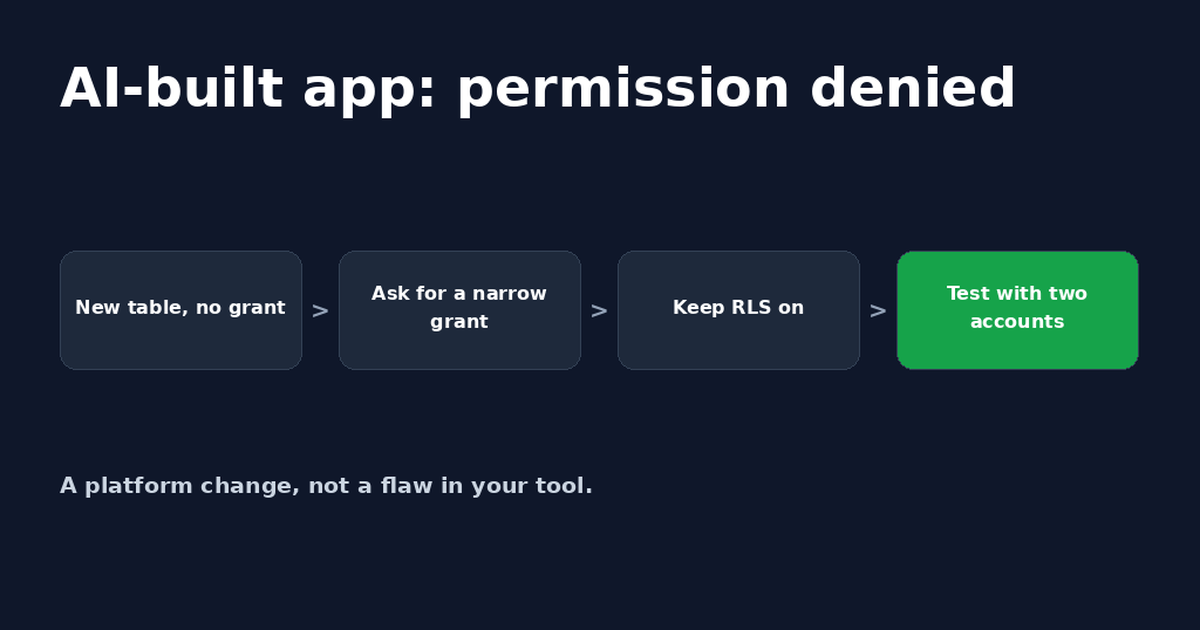
Lovable Supabase Permission Denied? Fix for Bolt Apps Too
A Lovable or Bolt app saying Supabase permission denied usually means a new table has no GRANT. A safe prompt for your AI tool and how to check it.
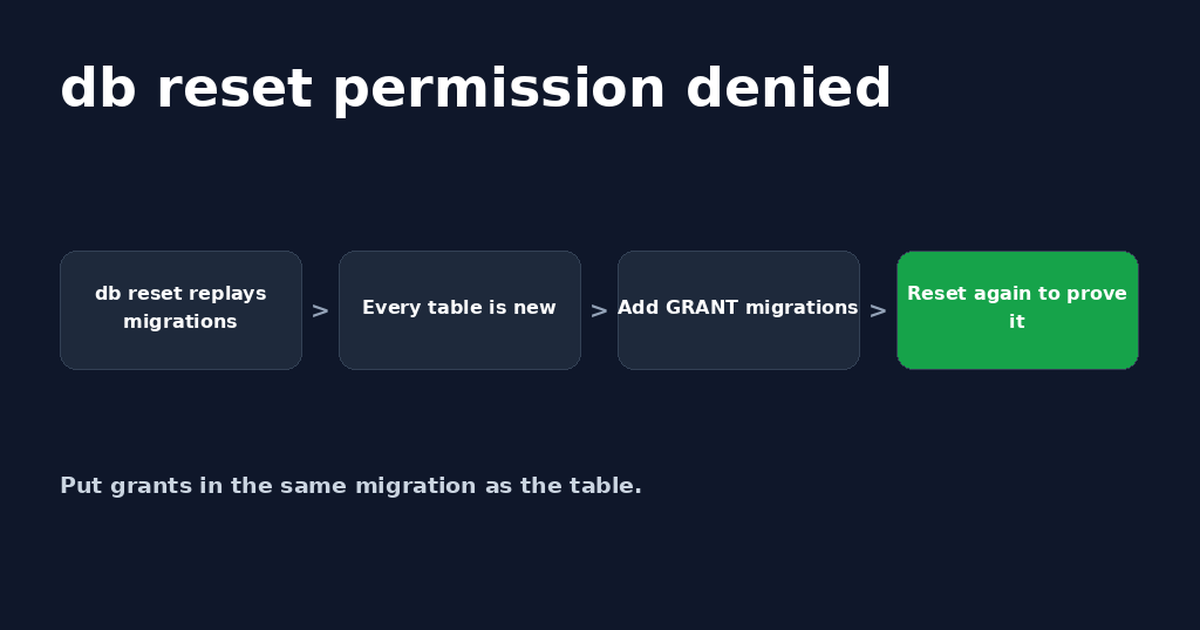
Supabase db reset: Fix Permission Denied After Oct 30
Supabase db reset permission denied (42501) happens because rebuilt tables no longer get default grants. Add GRANTs to migrations and retest.
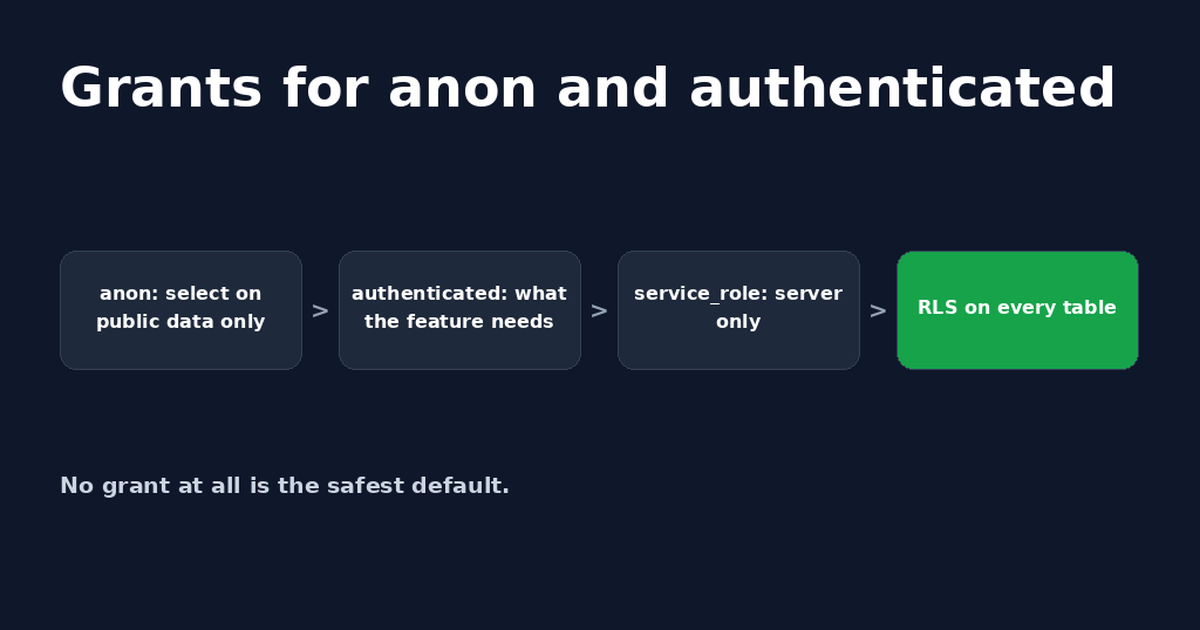
Supabase Grant: GRANT SELECT and USAGE for Each Role
Which Supabase grant does each role need? When to use grant select vs grant usage, copy-paste SQL for anon and authenticated, and service_role notes.


Get the next change before it bites
Greenlight tips and new blog posts: short, practical notes when Supabase, Lovable, Bolt, Cursor or another tool you build with changes something that affects your app, plus what to check. About twice a month.
We'll send a confirmation email first. Unsubscribe anytime. Privacy. Greenlight My App is independent and not affiliated with or endorsed by Supabase, Lovable, Bolt, Cursor or any other tool we mention.
Greenlight is independent and not affiliated with or endorsed by Supabase or PostgreSQL. Product names are used only to identify the tools this guide is about. This page is general information, not professional security advice, legal advice, a security audit or a guarantee. Check your own setup against the vendor's current docs.