Is Lovable secure? A 10-step checklist before you launch
It depends on how your app is set up. Lovable has built-in security scans, but its docs say they cannot guarantee complete security, so the launch settings are yours to check.

Short answer: It depends on how your app is set up. Lovable has built-in security scans, but its docs say they "cannot guarantee complete security" and that you're responsible for making sure your app meets the security needs of its use case. Before you publish an app built with Lovable, run Lovable's Quick and Deep security scans, fix every critical finding, confirm Row Level Security (RLS) is on and tested for every table with private data, keep every secret in Lovable's Secrets (never in frontend code), and make sure sign-in and permission checks happen on the server. Then do a quick outside check of what your live site shows the world.
By Gary, Greenlight · Last checked: Oct 20, 2026 · Sources: Lovable docs: Security overview (external), Security best practices (external)
The 10-step checklist
Only check apps you own or have permission to test.
1. Read the Quick scan result in the publish dialog. Lovable runs its Quick scan automatically when you open the publish dialog. It checks your database access rules, your npm dependencies and whether an MCP server is exposed without sign-in. If it shows issues, click the line to open the Security view.
2. Run the Deep scan before you go public. The Deep scan doesn't run on its own. Start it from the project's Security view. It reads your app's code for problems like users reaching data that isn't theirs, endpoints anyone can trigger, unsafe input, leaked secrets and payment logic customers can change. Lovable says running either scan is free.
3. Fix every critical finding, and ignore one only if it truly doesn't apply. Work through Critical first, then Warning. If you ignore a finding, write down why. Workspace admins and owners can turn on Block publishing with critical issues (available on all plans) so nobody publishes with an open critical finding. Lovable's docs note that ignored findings don't count toward the block, and that passing it doesn't prove your app is secure, so still test your access rules (step 4). The block uses your latest scan results even if they're out of date, so re-run the Quick scan after your last change.
4. Check RLS on every table with private data. Open More → Cloud → Database → RLS policies. Lovable sets up basic policies for you, but its docs say to review and adjust them. Before going live, confirm:
- RLS is on for every sensitive table
- users can't reach other users' private data
- shared and public data behave the way you intended
- new tables aren't missing policies
A simple test: create two test accounts of your own, add data with one, and confirm the other can't see or change it.
5. Keep every secret out of the frontend. Anything in browser code can be read by anyone, so Lovable's docs say to treat a secret found in frontend code as compromised. Store API keys (Stripe, OpenAI and so on) in More → Cloud → Secrets. Secrets are encrypted and injected into your Edge Functions, and they never reach the browser.
6. Watch out for VITE_ variables. Lovable's Secrets docs draw a line between Secrets and VITE_ variables for a reason: Vite bundles any variable starting with VITE_ into the code it ships to browsers, and Vite's own docs say not to put API keys in them. The Supabase publishable (anon) key is fine there because it's public by design. A service_role or secret key is not: see what to do if it leaked.
7. Make the server do the checking. Frontend checks can be bypassed. Validation, permission checks and calls that need private keys belong in server-side code (Edge Functions, or server functions and API routes in TanStack Start projects). Every function needs to check who is calling, even ones your UI never calls directly. Code that uses the service role skips RLS, so it must check permissions itself.
8. Turn on leaked-password protection. If your app uses email and password sign-in, enable the Password HIBP check under More → Cloud → Users → Auth settings → Email. It rejects passwords known from data breaches. On your own Supabase project, use Supabase's password settings instead.
9. Keep internal tools private. If the app is just for your team, set project access to workspace, confirm it isn't published publicly, and require sign-in even for internal tools. Limiting a published site to workspace members needs a Business or Enterprise plan, per Lovable's docs.
10. Check what your live site shows the world. Lovable's scans read your project from the inside. It's also worth checking the published site from the outside: HTTPS, security headers, and whether any keys or files are exposed.
Want a quick outside check? Run a free Greenlight scan: automated, read-only checks of the basics (HTTPS, security headers, exposed keys). It's not a full security audit. It only checks the files it fetches from your public site, so "no keys found" isn't a guarantee that none are exposed.
Paid reports: coming soon.
Prompts you can paste into Lovable
These example prompts come from Lovable's security best practices (external):
- "Review RLS policies to ensure users can only access their own data and shared data is properly protected"
- "Review frontend code for exposed secrets, API keys, or sensitive information"
- "Identify client-side validation that should be moved to the backend"
FAQ
Does Lovable scan my app for security problems? Yes. The Quick scan runs when you open the publish dialog, and you can run a Deep scan from the Security view. Lovable's docs say these tools help catch common issues but can't guarantee complete security, and suggest a professional review for apps with sensitive data.
Is it safe to have my Supabase anon key in a Lovable app?
Yes, it's meant to be public. What protects your data is RLS being turned on, with correct policies, for every table that holds private data. Never ship the service_role or secret key.
Where do I put API keys in Lovable?
In Secrets (More → Cloud → Secrets), and read them only in server-side code. Not in VITE_ variables and not in frontend files.
Do I need to recheck after launch? Yes. Lovable's docs recommend reviewing security again whenever you add features, change sign-in, change data access or add integrations.
Does Greenlight read my Lovable project or RLS policies? No. Greenlight's free scan checks the basics from the outside (HTTPS, security headers, exposed keys). It doesn't log into Lovable or Supabase. It only checks the files it fetches from your public site, so "no keys found" isn't a guarantee that none are exposed.
Sources
- Lovable docs: Security overview (external)
- Lovable docs: Security best practices for Lovable apps (external)
- Lovable docs: Project security view (external)
- Lovable docs: Secrets (external)
- Lovable docs: Privacy and security settings (external)
- Vite docs: Env variables and modes (external)
- Supabase docs: API keys (external)
- Supabase docs: Row Level Security (external)
On this site
Related posts
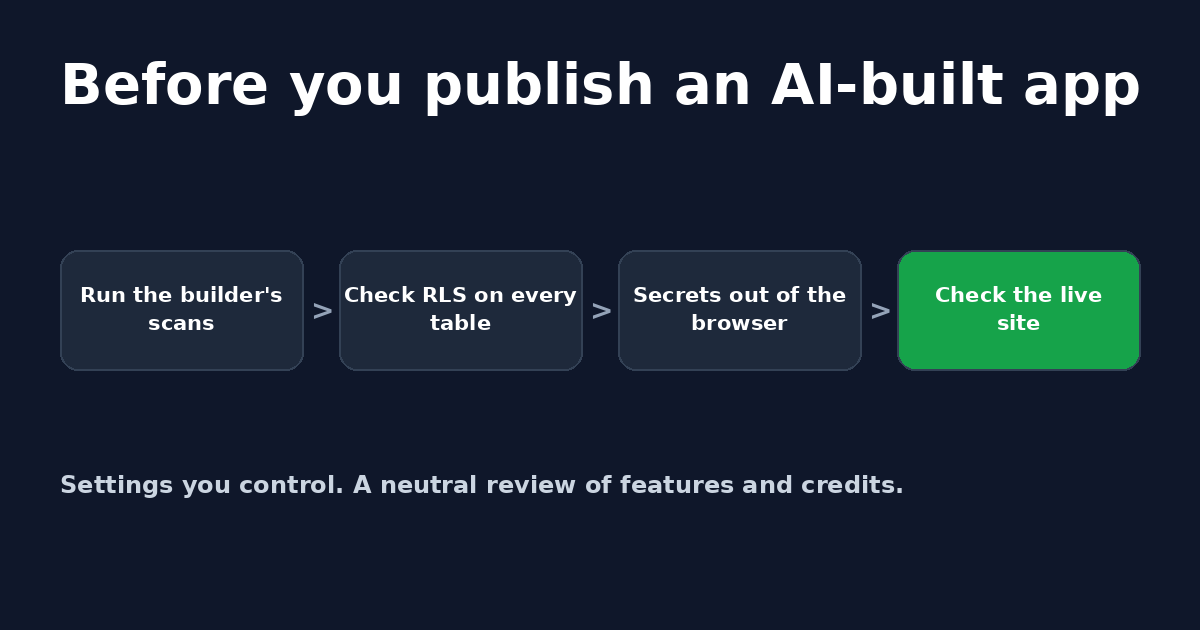
Lovable review (2026): features, credits and security checks
A neutral Lovable review: how the AI app builder works, how its credits work, its built-in security scans, and the settings to check before you launch.
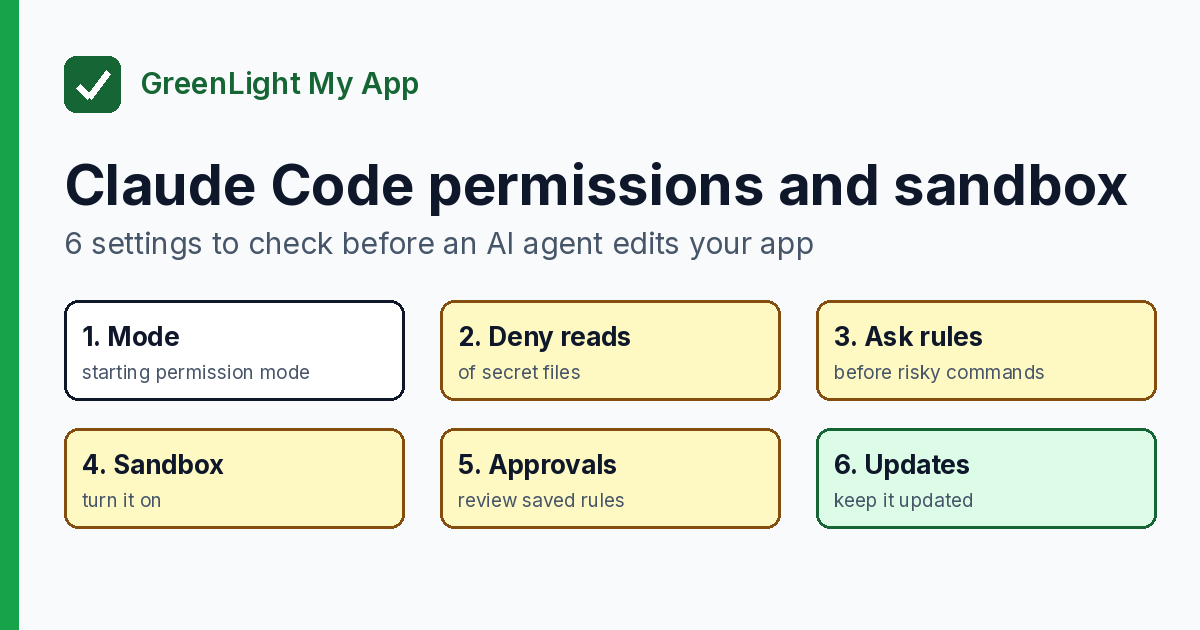
Claude Code permissions and sandbox: 6 settings to check before an AI agent edits your app
Before an AI agent edits your app, check 6 Claude Code permissions and sandbox settings: mode, deny rules, ask rules, sandbox, approvals, updates.


Get the next change before it bites
Greenlight tips and new blog posts: short, practical notes when Supabase, Lovable, Bolt, Cursor or another tool you build with changes something that affects your app, plus what to check. About twice a month.
We'll send a confirmation email first. Unsubscribe anytime. Privacy. Greenlight My App is independent and not affiliated with or endorsed by Supabase, Lovable, Bolt, Cursor or any other tool we mention.
Greenlight is independent and not affiliated with or endorsed by Lovable, Supabase, Vite, TanStack, Stripe or OpenAI. Product names are used only to identify the tools this guide is about. This page is general information, not professional security advice, legal advice, a security audit or a guarantee. Check your own setup against the vendor's current docs.