Lovable Supabase Permission Denied? Fix for Bolt Apps Too
It most likely means a new table has no GRANT after Supabase's platform change. Ask your tool for a narrow grant for signed-in users, keep RLS on, and check the SQL.

On this page
Short answer: A Lovable Supabase permission denied error (or the same error in a Bolt app) most likely means a new database table with no GRANT. Supabase stopped exposing new public tables to its API automatically, and that change reaches every existing project on Oct 30, 2026, so the next table your AI tool creates may load nothing until a grant is added. Ask the tool to add a grant for signed-in users only, keep row level security on, and check what it changed.
By Gary, Greenlight · Last checked against the Supabase changelog and docs: Oct 20, 2026 · Drafted with AI tools and reviewed before publishing.
The full background is in our main guide: Will Supabase's October 30 change break your app?. This page is the plain-English version for apps built with AI tools.
Table names in this guide (like comments) are made-up examples. Swap in your own.
Why does my AI-built app suddenly say permission denied?
Your app talks to Supabase through its Data API. Until this change, every new table was reachable through that API the moment it was created. Now, new tables need an explicit "grant" (a one-line permission) first. Supabase names this exact situation: you need to act if "your AI coding tool, CLI script, or Management API call creates tables and expects them to be reachable over the Data API on creation" (Supabase changelog (external)).
The signs:
- A new feature (comments, bookings, a settings page) won't save or shows nothing.
- Older features keep working. Supabase says existing tables keep their current grants.
- The browser console or your tool's error panel shows
42501or "permission denied for table".
This isn't a flaw in the tool you used. It's a deliberate platform change, and Supabase's error even includes a hint with the fix (Supabase changelog (external)).
When will it hit my app?
Supabase rolled the change out in steps (Supabase changelog (external)):
| Your project | When new tables need grants |
|---|---|
| Created with "Automatically expose new tables" unchecked (possible from Apr 28, 2026) | Already |
| New project after May 30, 2026 (gradual rollout) | Probably already |
| Older existing project | From Oct 30, 2026 |
Nothing changes for tables you already have. It's the next table that's affected.
What should I ask my AI tool to do?
Paste something like this, changing the table name:
The
commentstable returns "permission denied for table" (42501). Add a database migration that grantsselect, insert, update, deleteonpublic.commentsto theauthenticatedrole only. Keep row level security enabled. Make sure there are policies so each user can only read and change their own rows. Do not grant anything toanon, do not usegrant all, and do not disable RLS. Show me the SQL before applying it.
If the table holds truly public content, like published posts, change it to: grant select only to anon and authenticated, with a policy that shows only published rows.
Asking for a migration, not a one-off SQL edit, is the point. Lovable Supabase migrations, like those from any tool, are what rebuild your database on a new branch or project, so a grant that lives in a migration keeps working there too.
What should the SQL look like?
A good fix for a private table looks roughly like this:
alter table public.comments enable row level security;

grant select, insert, update, delete on table public.comments to authenticated;

create policy "own comments" on public.comments
for all to authenticated
using ( (select auth.uid()) = user_id )
with check ( (select auth.uid()) = user_id );
The grant line is the one that removes the error (Supabase docs (external)). The other lines keep each user to their own rows. For a deeper look at roles, see Supabase grants for anon and authenticated.
How do you spot an over-broad fix?
AI tools aim to make the error go away. Some fixes do that by opening everything. Watch for these in the SQL your tool writes:
| If you see | Why it's a problem |
|---|---|
disable row level security | Anyone with your public key may read every row once a grant exists |
grant all ... to anon | Gives every visitor every privilege on the table |
using (true) on private data | The policy allows every row to everyone it names |
| the service role key in frontend code | That key bypasses RLS (Supabase docs (external)) |
If you see one, ask the tool to undo it and use the prompt above instead. If a secret key reached your frontend, follow our service role key guide.
How do I check the fix worked?
- Sign in with a test account and use the feature. It should save and load.
- Sign in with a second test account. It should not see the first account's data.
- Sign out and try again. Private data should not load.
- In Supabase's SQL editor, check the table's grants (Supabase docs (external)):
select grantee, privilege_type
from information_schema.role_table_grants
where table_schema = 'public' and table_name = 'comments';
For a private table, you want authenticated (and possibly service_role) in the list, not anon.
What else should I check before launch?
Grants are one item. Our launch checklists cover the rest: Lovable app launch security checklist, and if you're weighing tools, our Lovable review. New to policies? Read what is Supabase RLS? and is my Supabase anon key safe?. The step-by-step developer fix is in Supabase permission denied for table.
Where should you go next?
For the developer version, see Supabase permission denied for table and Supabase GRANT vs RLS. If a secret key ever reached your frontend, see Supabase service role key exposed?. Before you share the app, what is vibe coding? and our Lovable review add context, and the hub for this change is Will Supabase's October 30 change break your app?
FAQ
Will my live app break on Oct 30? Supabase says existing tables keep their grants, so current features should keep working. New tables need grants.
Do Lovable or Bolt add grants automatically? Check each tool's current docs; it may vary by version. Either way, review the SQL your tool writes.
Is it safe to grant to anon so the error goes away? Only for data you'd publish anyway, and only with RLS on.
I use my own server, not the browser, to talk to the database. If it uses a direct Postgres connection, Supabase says you're not affected.
Sources
On this site
Related posts
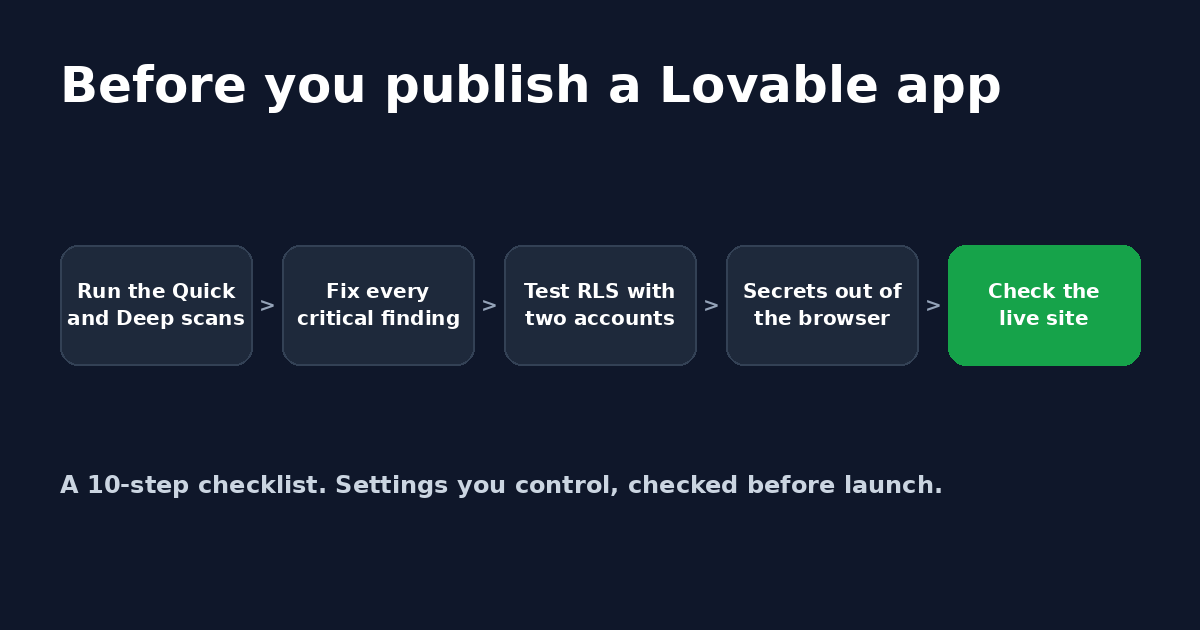
Is Lovable secure? A 10-step checklist before you launch
A plain-English checklist to run before you publish a Lovable app: security scans, RLS policies, secrets, server-side checks and sign-in settings.
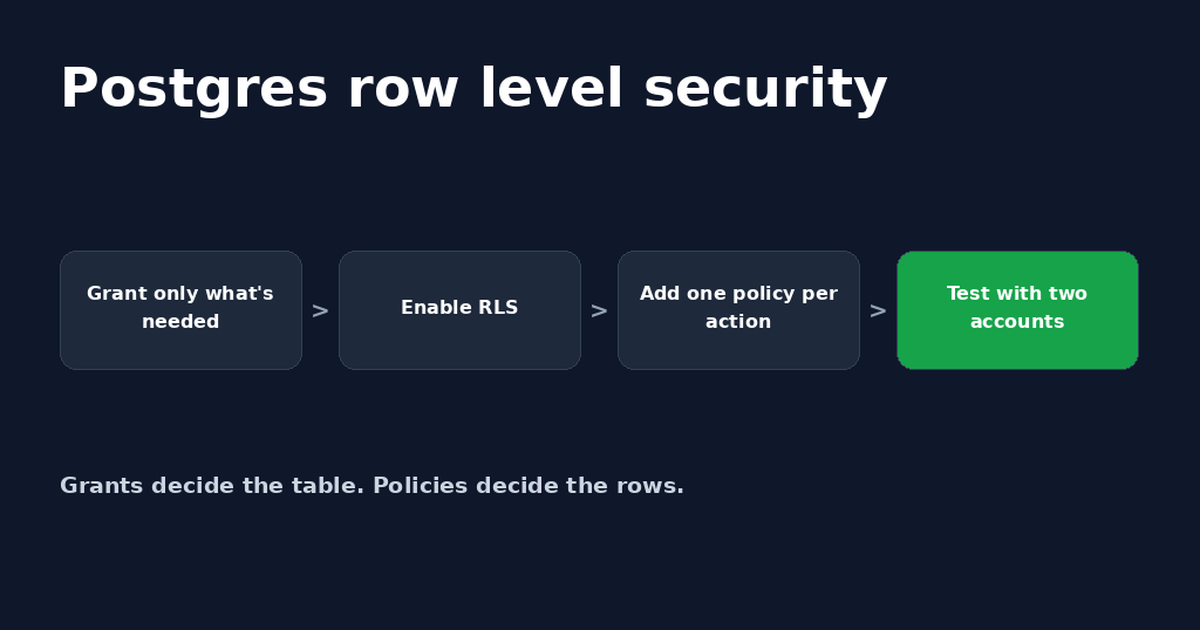
Postgres Row Level Security: A Supabase Guide
Postgres row level security decides which rows each user can read or change. Set it up in Supabase, write policies and fix common errors.
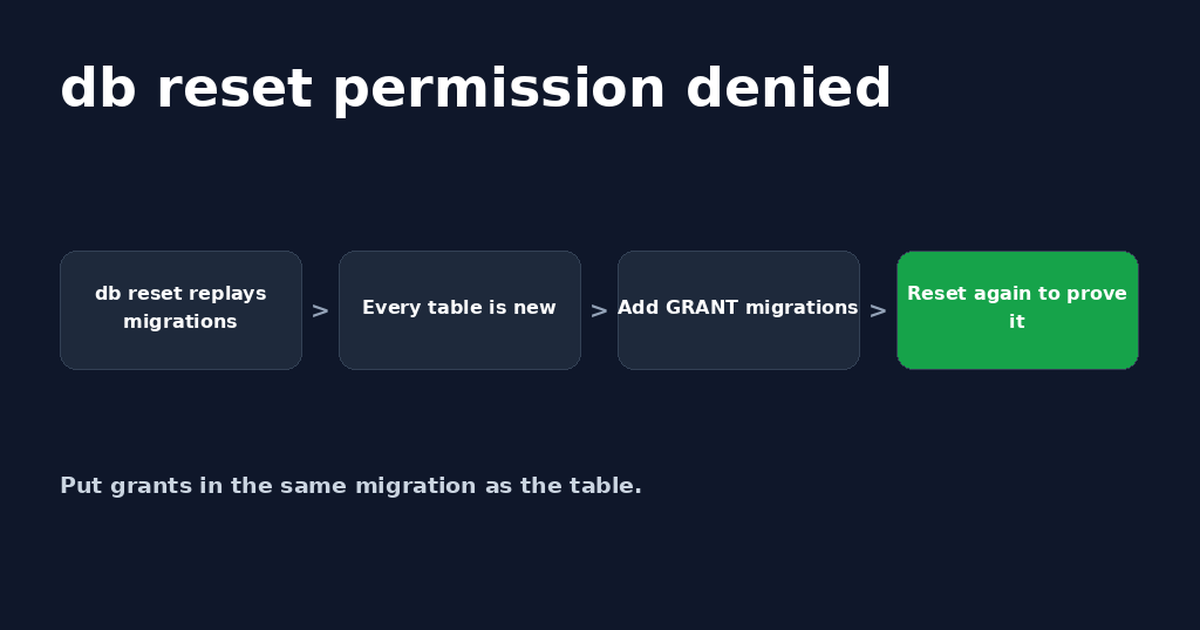
Supabase db reset: Fix Permission Denied After Oct 30
Supabase db reset permission denied (42501) happens because rebuilt tables no longer get default grants. Add GRANTs to migrations and retest.


Get the next change before it bites
Greenlight tips and new blog posts: short, practical notes when Supabase, Lovable, Bolt, Cursor or another tool you build with changes something that affects your app, plus what to check. About twice a month.
We'll send a confirmation email first. Unsubscribe anytime. Privacy. Greenlight My App is independent and not affiliated with or endorsed by Supabase, Lovable, Bolt, Cursor or any other tool we mention.
Greenlight is independent and not affiliated with or endorsed by Supabase, Lovable or Bolt. Product names are used only to identify the tools this guide is about. Code is example SQL; test it on a copy of your project before running it in production. This page is general information, not professional security advice, legal advice, a security audit or a guarantee. Check your own setup against the vendor's current docs.