Source Maps in Production: Risks and How to Hide Them
Source maps link minified production JavaScript back to your original code. If they're public, anyone can read it. Vite and Next.js keep browser maps off by default.

On this page
- What is a source map?
- What do public source maps reveal?
- Are source maps on by default?
- How do you check if your source maps are public?
- What did a real Vite build put in its map?
- What's an example of what a map gives away?
- Why do AI builders and assistants turn source maps on?
- How do you turn off source maps in production?
- What if you need source maps for error tracking?
- What else should you check while you're here?
- FAQ
Short answer: Source maps are .map files that link your minified production JavaScript back to your original source code. If source maps in production are publicly reachable, anyone can rebuild your readable code, including comments, file names and any secrets you hard-coded. Vite and Next.js both keep browser source maps off by default, so if yours are public, a setting was turned on; set it back off, or upload maps privately to your error tracker.
By Gary, Greenlight · Last checked against the Vite and Next.js docs: Oct 20, 2026 · Build test run by us on Oct 20, 2026 · Drafted with AI tools and reviewed before publishing.
What is a source map?
When you build an app, your code is bundled and minified: names shortened, whitespace removed, many files merged into one. That's great for speed and terrible for debugging. A source map is a JSON file that maps each position in the minified file back to the original file and line (ECMA-426 (external)). Browser developer tools use it to show your real code when something breaks.
A built file usually ends with a comment pointing to its map:
//# sourceMappingURL=index-a1b2c3.js.mapThe spec defines an optional sourcesContent field, which holds the original source text (ECMA-426 (external)). Many build tools fill it in by default.
What do public source maps reveal?
With the .map file, a visitor's dev tools (or a short script) can rebuild your project's source tree. That typically shows:
- Your original code, comments and file structure, including TODOs and notes you never meant to publish.
- Internal API routes and admin paths that aren't linked anywhere.
- Any secret you hard-coded. The secret was already in the minified bundle, but a map makes it easy to read and search.
A source map isn't a break-in by itself; it's your frontend code, which already ships to every visitor in minified form. The real risk is what's inside. Treat it as a reason to keep secrets server-side, not as the only fix.
Are source maps on by default?
For browser bundles in the two most common setups, no:
| Tool | Setting | Default |
|---|---|---|
| Vite | build.sourcemap | false (Vite docs (external)) |
| Next.js | productionBrowserSourceMaps | false (Next.js docs (external)) |
Next.js says production browser maps are disabled "to prevent you leaking your source on the client, unless you specifically opt-in." Vite's options are true (a separate .map file), 'inline' (the map is appended to the output file as a data URI) and 'hidden' (Vite docs (external)).
So public maps usually mean someone (or an AI assistant fixing a bug) switched the setting on to debug production and never switched it back. That's a setting being on, not a flaw in the tool.
How do you check if your source maps are public?
- Open your live site, then dev tools → Network, and reload. Click your main
.jsfile. - Copy its URL and add
.mapto the end. Open it in a new tab. - If you see JSON starting with
{"version":3and asourceslist, that map is public.
From a terminal:
curl -s https://yourapp.com/assets/index-a1b2c3.js.map | head -c 200Also search the built file for a sourceMappingURL comment, and check for inline maps (sourceMappingURL=data:), which embed the map inside the JavaScript itself.
What did a real Vite build put in its map?
We checked this ourselves on Oct 20, 2026, with Vite 8.3.4 on Node 20.19.2. Our test project had one file, src/main.js, that logs two env variables. We built it with npx vite build --sourcemap. Vite wrote index-DqXhsjeT.js next to index-DqXhsjeT.js.map, and the last line of the JavaScript was //# sourceMappingURL=index-DqXhsjeT.js.map. The map's sources list named src/main.js and index.html, and its sourcesContent held both files word for word, including the import.meta.env lines. So a visitor who fetches that one .map URL gets your original files back, comments and all, not just the minified output. With --sourcemap hidden, Vite still wrote the same .map file, but the sourceMappingURL comment was gone from the JavaScript. Hidden maps aren't linked, but the file still sits in dist/ until you delete it.
What's an example of what a map gives away?
Say your minified bundle contains this line (shortened):
const a=await fetch("/api/internal/reports",{headers:{"x-admin":b.t}});From the minified file alone, a and b.t mean nothing. With a public map that includes sourcesContent, dev tools show the original file instead, something like:
// src/lib/adminReports.ts
// TODO: remove once real auth lands; temporary admin bypass header
const response = await fetch("/api/internal/reports", {
  headers: { "x-admin": session.token },
});
Now a visitor knows the file name, that an internal route exists, and that a comment says a check is temporary. None of that is a key, but it's a map of where to look. This is a made-up example, written to show the shape of what maps reveal; it isn't taken from any real app.
Why do AI builders and assistants turn source maps on?
Usually for a good reason. (Our what is vibe coding? guide covers how these assistants change config files.) When an error in production shows only a is not a function at index-a1b2c3.js:1:20931, the quickest way to make it readable is to turn source maps on and redeploy. Coding assistants often suggest exactly that. The problem is the second half of the job, turning them back off or switching to hidden maps, gets forgotten once the bug is fixed.
A simple habit helps: whenever you or an assistant change vite.config or next.config, look for a sourcemap or productionBrowserSourceMaps line in the diff before you deploy.
How do you turn off source maps in production?
Vite:
// vite.config.js
export default { build: { sourcemap: false } };
Next.js: remove productionBrowserSourceMaps: true from next.config.js (or set it to false).
Then rebuild and redeploy. Old .map files can linger on some hosts or CDNs, so re-run the check above against the new build's URLs.
What if you need source maps for error tracking?
Use hidden maps. Vite's docs say 'hidden' "works like true except that the corresponding sourcemap comments in the bundled files are suppressed" (Vite docs (external)). Upload those files to your error tracker during the build, then delete them from the output folder before deploy, so they never sit on your public site:
export default { build: { sourcemap: "hidden" } };npm run build
npx your-error-tracker-cli upload dist # placeholder: use your tracker's own upload command
find dist -name "*.map" -deleteHidden alone isn't private, as our test above showed: if the .map files are deployed, anyone who guesses the .js.map URL can still fetch them. The delete step is what keeps them off the site.
What else should you check while you're here?
Source maps are one of three "files you didn't mean to publish" checks. The other two are a reachable /.env file (see what is a .env file?) and a reachable /.git folder. And if a map revealed a key, revoke it: Supabase service role key exposed? and Claude API key security walk through rotation, and how to revoke an OpenAI API key covers OpenAI keys. Our Lovable launch checklist puts it all in one pre-launch pass.
FAQ
Are source maps a security risk? They make your frontend code easy to read. The danger is anything sensitive in that code, so keep secrets server-side and keep maps off the public site.
Do source maps slow my site down? Browsers only download them when dev tools are open, so visitors don't pay for them. The issue is exposure, not speed.
Does minifying protect my code? No. Minified code is harder to read, not hidden.
Sources
On this site
Related posts
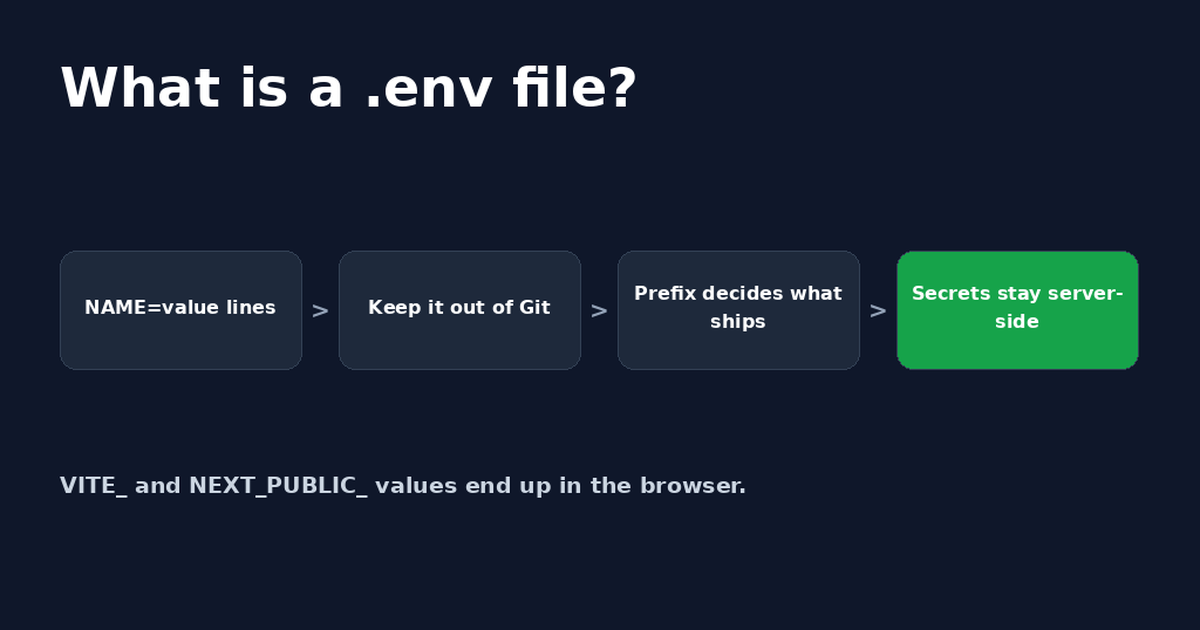
What Is a .env File? Format, Examples and Safety
A .env file stores app settings and secret keys as NAME=value lines. See the format, how to create one, and the two ways it ends up public.

Get the next change before it bites
Greenlight tips and new blog posts: short, practical notes when Supabase, Lovable, Bolt, Cursor or another tool you build with changes something that affects your app, plus what to check. About twice a month.
We'll send a confirmation email first. Unsubscribe anytime. Privacy. Greenlight My App is independent and not affiliated with or endorsed by Supabase, Lovable, Bolt, Cursor or any other tool we mention.
Greenlight is independent and not affiliated with or endorsed by Vite, Next.js, Lovable, OpenAI, Anthropic, Supabase or Ecma International. Product names are used only to identify the tools this guide is about. This page is general information, not professional security advice, legal advice, a security audit or a guarantee. Check your own setup against the vendor's current docs.