Gemini API Key: How to Get One (and Keep It Out of Your Frontend)
Sign in to Google AI Studio, accept the terms, open API keys; new users get a default key. Store it in GEMINI_API_KEY on your server, restrict it to the Gemini API, and keep it out of frontend code.

On this page
- How do I get a Gemini API key?
- Is the Gemini API key free?
- What changed for Gemini API keys in 2026?
- Where should I store my Gemini API key?
- Why shouldn't a Gemini API key be in my frontend?
- Does Greenlight My App catch Gemini keys?
- How do I call Gemini from a server route?
- How do I restrict a Gemini API key?
- What should I do if my Gemini API key leaked?
- How does a Gemini key compare with other AI API keys?
- FAQ
To get a Gemini API key, sign in to Google AI Studio (external), accept the terms and open the API keys page. New users get a default project and key. Then put it in a GEMINI_API_KEY environment variable on your server and never ship it in your frontend.
By Gary, Greenlight My App · Updated Oct 30, 2026 · How we checked this: Tested on Oct 30, 2026, about 7:03–7:10 AM ET. We created a test key on the AI Studio free tier, put it in a demo app's browser code, moved it to a server route, scanned both versions with Greenlight My App, then deleted the key in AI Studio. We also read Google's Gemini API key and pricing docs (last updated Oct 27 and Oct 28, 2026) and Truffle Security's research. Drafted with AI tools and reviewed by a person before publishing.
Getting the key takes a minute. Keeping it safe is the part people skip, and Gemini keys are worth more to attackers than older Google keys used to be.
How do I get a Gemini API key?
Here are the steps as described in Google's API key docs (external) on Oct 30, 2026:
- Go to Google AI Studio (external) and sign in with a Google account.
- Accept the terms of service. Google says new users then get a default Google Cloud project and API key.
- Open the API keys page in AI Studio to see, copy or create keys.
- To create another key, choose to create a key and pick a project (or import one from Google Cloud).
- Copy the key once and put it straight into your environment variables or secrets manager. Don't paste it into chat, docs or code.
Tested: we created a key named greenlight-proof-test in AI Studio on Oct 30, 2026, on the free tier with no card. AI Studio listed it with the restriction "Gemini API", matching Google's docs. We deleted it in AI Studio after testing; the key list was empty afterwards (screenshot further down).

What does a Gemini API key look like? Older Google API keys start with AIza. The key AI Studio gave us on Oct 30, 2026 used a newer format starting with AQ. instead. If you search your code for leaked keys, look for both. In examples on this page we use fake placeholders like AIzaXXXXXXXXXXXXXXXXXXXXXXXXXXXXXXXXXXX and AQ.…XXXX.
Is the Gemini API key free?
Creating a key costs nothing, and Google's pricing page (external) says Google AI Studio usage is free of charge. The Gemini API has a free tier with limited access to certain models, and a paid tier.
One trade-off to know: the pricing page says content on the free tier is used to improve Google's products, which isn't the case on the paid tier. If you're sending user data, read that page before you launch. Rate limits and which models are on the free tier change often, so check the live docs rather than any table copied into a blog post, including this one.
What changed for Gemini API keys in 2026?
Google's docs describe two kinds of keys and several 2026 changes:
| Change | Date (per Google's docs) | What it means for you |
|---|---|---|
| New AI Studio keys are "authorization" keys | Since May 28, 2026 | New keys are restricted to the Gemini API by default |
| Dormant unrestricted keys blocked | Since May 7, 2026 | Old, unused, unrestricted keys stop working with Gemini |
| Unrestricted standard keys rejected | Current docs | Restrict older keys or create a new one |
| Leaked-key enforcement | Current docs | Keys Google detects as leaked can be blocked |
Why this matters: Truffle Security reported in February 2026 (external) that Google API keys long treated as safe to publish, for things like Maps, could also reach Gemini once the Generative Language API was enabled on the same project. They scanned public web data from November 2025 and found 2,863 live Google API keys that could access Gemini.
Where should I store my Gemini API key?
In an environment variable on the server, or a secrets manager. Google's docs say the SDKs read GEMINI_API_KEY or GOOGLE_API_KEY, and if both are set, GOOGLE_API_KEY takes precedence.
In a .env file that you never commit:
GEMINI_API_KEY=AIzaXXXXXXXXXXXXXXXXXXXXXXXXXXXXXXXXXXXAdd .env to .gitignore before your first commit. If a key has already been committed, deleting the file isn't enough, because it's still in git history. See what to do if your .env file was committed to git and what is a .env file.
Why shouldn't a Gemini API key be in my frontend?
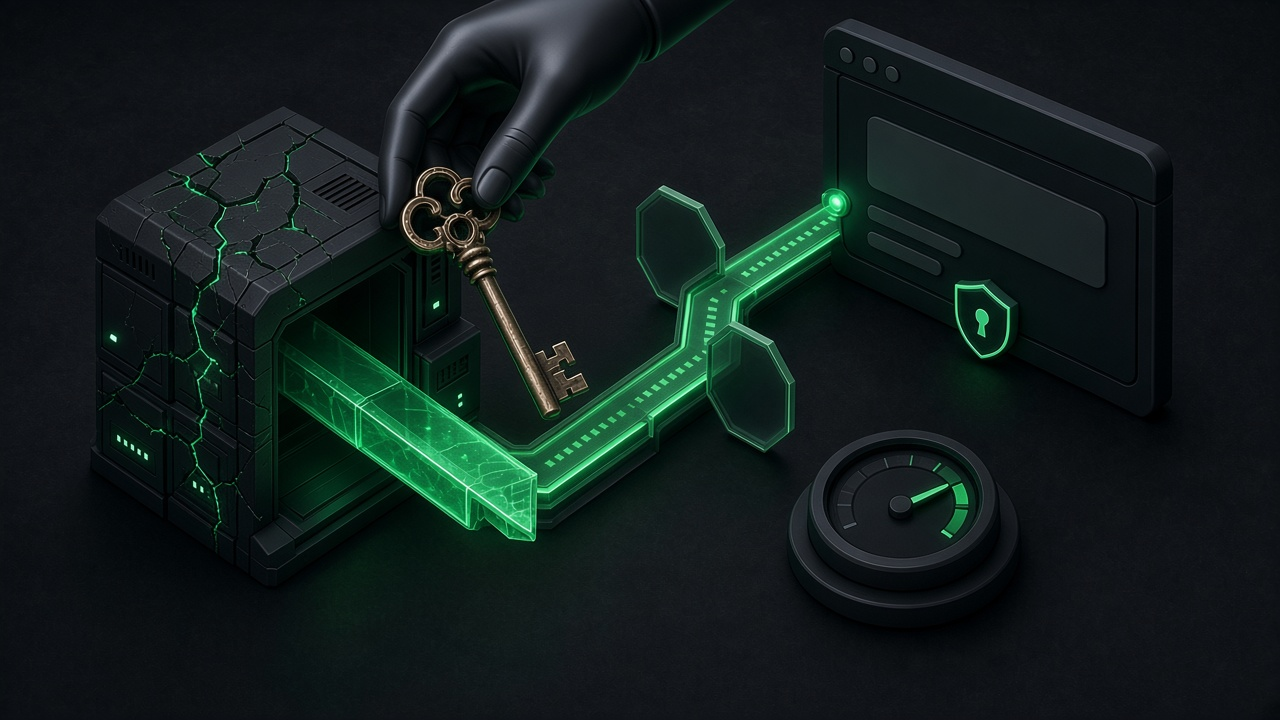
Anything in your frontend bundle is public. Anyone can open developer tools, search your JavaScript for AIza or AQ. and copy the key. Then they can run requests against your quota and, on paid projects, your bill. Google's docs say plainly: never expose keys client-side, and run a backend proxy server instead.

Common ways keys end up in the browser:
- Using a public env prefix such as
NEXT_PUBLIC_orVITE_for the key. - Calling Gemini directly from a React component "just to test".
- Shipping source maps that include server code. See source maps in production.
Tested: we put our real test key (masked here) in a demo app's browser JavaScript. Anyone opening /app.js could read it.

Does Greenlight My App catch Gemini keys?
Yes, in your public code, as of an update on Oct 30, 2026. Here's how the scanner treats Google keys it finds there now:
| Key in your browser code | Greenlight My App scan result |
|---|---|
Key in the newer AI Studio AQ. format | FAIL, reported as an exposed Google AI Studio API key |
Key in the classic AIza format | WARN, "Google API key may carry Gemini or generative-AI billing access" |
| Key moved to a server route (our Oct 30 test) | PASS, "No secret keys found", and a search of the public JS found no key |
A classic AIza key is a warning, not a fail, because some Google keys, like Firebase web keys, are meant to be public and are safe when restricted. The risk is an unrestricted key that can reach Gemini, so treat any hit on a key used for Gemini as serious. In our earlier test on Oct 30, before this update, the scanner missed an AQ. key and rated an AIza key as INFO; we've changed that since. It checks public code, not your server, so search your built JavaScript for AIza and AQ. yourself too.
The fix is to move the call into a server route, below.
How do I call Gemini from a server route?
The browser calls your route. Your route holds the key and calls Gemini. Here's a minimal Next.js route using the REST endpoint and x-goog-api-key header shown in Google's docs on Oct 30, 2026:
// app/api/ask/route.ts (runs on the server)
export async function POST(req: Request) {
  const { prompt } = await req.json();
  // Add your own auth check and rate limit here.
  const res = await fetch(
    "https://generativelanguage.googleapis.com/v1beta/interactions",
    {
      method: "POST",
      headers: {
        "Content-Type": "application/json",
        "x-goog-api-key": process.env.GEMINI_API_KEY!,
      },
      body: JSON.stringify({ model: "gemini-3.8-flash", input: prompt }),
    }
  );
  if (!res.ok) {
    return Response.json({ error: "Assistant unavailable" }, { status: 502 });
  }
  return Response.json(await res.json());
}
Check the docs for the current model name before you copy this.
Tested: our demo used the same pattern: the browser POSTs to /api/ask, and the server reads GEMINI_API_KEY and sends it in the x-goog-api-key header. After the change, a search of the public JavaScript found no key, and the Greenlight My App scan reported no secret keys. Our one test call from the server used an older endpoint and model name and returned HTTP 404, so this test shows the key staying on the server, not a working Gemini answer.


Then add two things the example leaves out:
- Authentication, so strangers can't use your route as a free Gemini proxy.
- Rate limiting per user or IP, so one person can't drain your quota.
How do I restrict a Gemini API key?
Google's docs describe two places to restrict keys:
| Where | Restriction | When to use it |
|---|---|---|
| Google AI Studio | Restrict to the Gemini API | Every key you use for Gemini |
| Google Cloud console, Credentials | API restrictions plus application restrictions (IP addresses, websites, apps) | Older keys, or to lock a key to your server's IP |
Also check other Google keys in the same project. Truffle Security suggests looking at whether the Generative Language API is enabled in your Cloud project and reviewing every key on the Credentials page. A Maps key in your public site shouldn't be able to call Gemini.
Once the key lives on your server, run a free scan to check your live app's public code for other exposed keys, including the newer AQ. format.
What should I do if my Gemini API key leaked?
Google's docs give this order:
- Generate a new key.
- Deploy it to your server's environment.
- Disable or delete the old key, so the leaked one stops working.
- Audit usage in your project for requests you didn't make.
Then find how it leaked (frontend bundle, git history, logs, a screenshot) and fix that, or the new key will leak the same way.
Test keys deserve the same care. We deleted our test key in AI Studio as soon as the test was done; the screenshot below shows the key list empty afterwards.

Our is my AI API key stolen? guide covers the signs to look for.
How does a Gemini key compare with other AI API keys?
| Provider | Key prefix | Where to get it | Guide |
|---|---|---|---|
| Google Gemini | AIza (classic) or AQ. (new AI Studio keys, as seen Oct 30, 2026) | Google AI Studio | This page |
| OpenAI | sk- | OpenAI platform | How to get an OpenAI API key |
| Anthropic Claude | sk-ant- | Claude Console | Claude API key security |
| Groq | gsk_ | Groq console | Groq API key |
The rule is the same for all of them: the key lives on the server.
Before you launch, run a free Greenlight scan (external) to check your live site's public code for Gemini keys in both the classic AIza and newer AQ. formats, other providers' secret keys and missing security headers.
FAQ
Is a Gemini API key free? Creating one is free. The API has a free tier with limited access to certain models and a paid tier. Google says free-tier content is used to improve its products. Check its pricing page for limits.
Can I use a Gemini API key in frontend JavaScript? No. Google's docs say never to expose keys client-side, since anyone can read your bundle. Call Gemini from a server route that keeps the key in an env variable, with auth and rate limiting.
Which environment variable does the Gemini SDK use?
Google's docs say GEMINI_API_KEY or GOOGLE_API_KEY. If both are set, GOOGLE_API_KEY takes precedence, which can cause confusing bugs if an old value is still set. Pick one and remove the other.
My old Google API key stopped working with Gemini. Why? Google says the Gemini API rejects unrestricted standard keys; dormant ones are blocked since May 7, 2026. Make a new AI Studio key (Gemini-only by default) or restrict the old key in Cloud console.
Shipping a Gemini feature? Keep the key on your server, search your build for AIza and AQ., and run a free Greenlight scan (external) to check for other exposed secrets and missing security headers.
Sources
On this site
Related posts
API Key Leaked? What to Do in the Next Hour
API key leaked? What to do in the next hour: revoke and replace it, update your apps, check usage, ask about refunds and set spend limits.
Groq API Key: How to Get One and Keep It Secret
Groq API key guide: create a key, spot the gsk_ format, keep it out of frontend code, cap spending, and what to do if a key leaks.
Supabase Publishable Key: Moving Off anon Keys
Supabase publishable key guide: how it replaces anon, how secret keys replace service_role, where each goes, and how to switch before end of 2026.


Get the next change before it bites
Greenlight tips and new blog posts: short, practical notes when Supabase, Lovable, Bolt, Cursor or another tool you build with changes something that affects your app, plus what to check. About twice a month.
We'll send a confirmation email first. Unsubscribe anytime. Privacy. Greenlight My App is independent and not affiliated with or endorsed by Supabase, Lovable, Bolt, Cursor or any other tool we mention.
Greenlight My App is independent and isn't affiliated with Google or Truffle Security. Steps and limits change often; facts were checked on Oct 30, 2026 against Google's docs. Keys shown are fake placeholders or masked; our test key was deleted in AI Studio after testing, and the key list showed empty afterwards. This page is general information, not professional security advice, legal advice, a security audit or a guarantee. Check your own setup against the vendor's current docs.