Is Bolt.new secure? A 10-step checklist before you launch
It depends on how your app is set up. Bolt has built-in security checks that find and fix many common problems, but a passing check doesn't prove an app is secure.

On this page
Short answer: It depends on how your app is set up. Bolt has built-in security checks that find and fix many common problems, but a passing check doesn't prove an app is secure. Before you publish an app built with Bolt (bolt.new), run the security audit from the Publish menu (paid plans) or the database security check (all plans), fix what it flags, make sure every private key lives in Secrets rather than your code, decide whether the site should be public, and then check what the live site shows from the outside.
By Gary, Greenlight · Last checked: Oct 21, 2026 · Sources: Bolt: Check your project's security (external), Bolt: Publish your project (external)
Security: 6 checks
Only check apps you own or have permission to test.
1. Run the project security audit (paid plans). Click Publish, then Run security audit. Bolt reviews your code and database, fixes most problems itself, and lists anything you need to do by hand, such as a setting in a connected email or payment service. Use the button rather than asking Bolt in chat: Bolt says the button doesn't use tokens, and prompting does.
2. Run the database security check (all plans). Click the database icon, then Security. It uses the same checks as Supabase's Security Advisor and lists the most serious issues first. Warnings you might see include RLS Policy Always True (a rule with no conditions, so every visitor gets that access) and Leaked Password Protection Disabled. Bolt flags "Always True" even when public access is intended, and says it's acceptable only if you're comfortable with every visitor having that access, including adding, changing or deleting data when the rule allows it. Click Ask Bolt to fix, then open the page again after every database change.
3. Read your data rules, don't just trust them. Bolt's audit looks for ways one user could see, change or delete another user's data. Confirm it yourself: create two test accounts, add data with one, and check the other can't reach it. If you're on Supabase, our RLS guide shows how to read your policies.
4. Keep private keys in Secrets. Server functions read keys (Stripe, OpenAI and so on) from Secrets: click the database icon, then Secrets. If your database is managed in Supabase, Supabase's Edge Functions → Secrets page edits the same secrets. Never paste a private key into your code. If your project uses Vite (check package.json), anything named VITE_... is bundled into browser code, so it must not hold a private key.
5. Never ship a Supabase secret or service_role key. The publishable (anon) key is fine to be public. The secret key bypasses every RLS rule. If one was exposed, follow this fix guide.
6. Turn on leaked-password protection. If the database check shows Leaked Password Protection Disabled, turn it back on. Bolt says it's on by default for Bolt databases; on a free Supabase plan the setting isn't available.
Launch: 4 checks
7. Pick public or private on purpose. Public sites can be seen by anyone and found by search engines. On paid plans you can publish privately for your team first, but a site with a custom domain can only be published publicly. On the Free plan, every published site is public.
8. Use your own domain (paid plans). You can attach a domain you own or buy one through Bolt. Link to your privacy policy and terms from every page before real users sign up.
9. Publish with the button. Use Publish / Update in the Publish menu. Bolt says these don't use tokens, while asking Bolt to publish in chat does.
10. Check the live site from the outside. Bolt's audit reads your project. Also check what the published site sends to visitors: HTTPS, security headers and exposed keys or files.
Want a quick outside check? Run a free Greenlight scan: automated, read-only checks of the basics (HTTPS, security headers, exposed keys). It's not a full security audit. It only checks the files it fetches from your public site, so "no keys found" isn't a guarantee that none are exposed.
Paid reports: coming soon.
FAQ
Does Bolt check my app's security? Yes. Paid plans can run a full project security audit from the Publish menu. Every plan has a database security check in database settings.
How many security audits can I run? Bolt's docs say up to 30 a day, resetting at midnight UTC.
Where do API keys go in Bolt? In Secrets (database icon → Secrets), read by server functions. Not in your frontend code.
Is my Bolt site private? Only if you're on a paid plan, choose private, and haven't connected a custom domain. Free plan sites are public.
Does Greenlight read my Bolt project? No. Greenlight's free scan checks the basics from the outside (HTTPS, security headers, exposed keys). It doesn't log into Bolt or your database. It only checks the files it fetches from your public site, so "no keys found" isn't a guarantee that none are exposed.
Sources
- Bolt: Check your project's security (external)
- Bolt: Database security settings (external)
- Bolt: Publish your project to a live website (external)
- Bolt: Integrations issues (Missing secrets) (external)
- Bolt: Supabase for databases (external)
- Vite docs: Env variables and modes (external)
- Supabase docs: Advisors (external)
On this site
Related posts
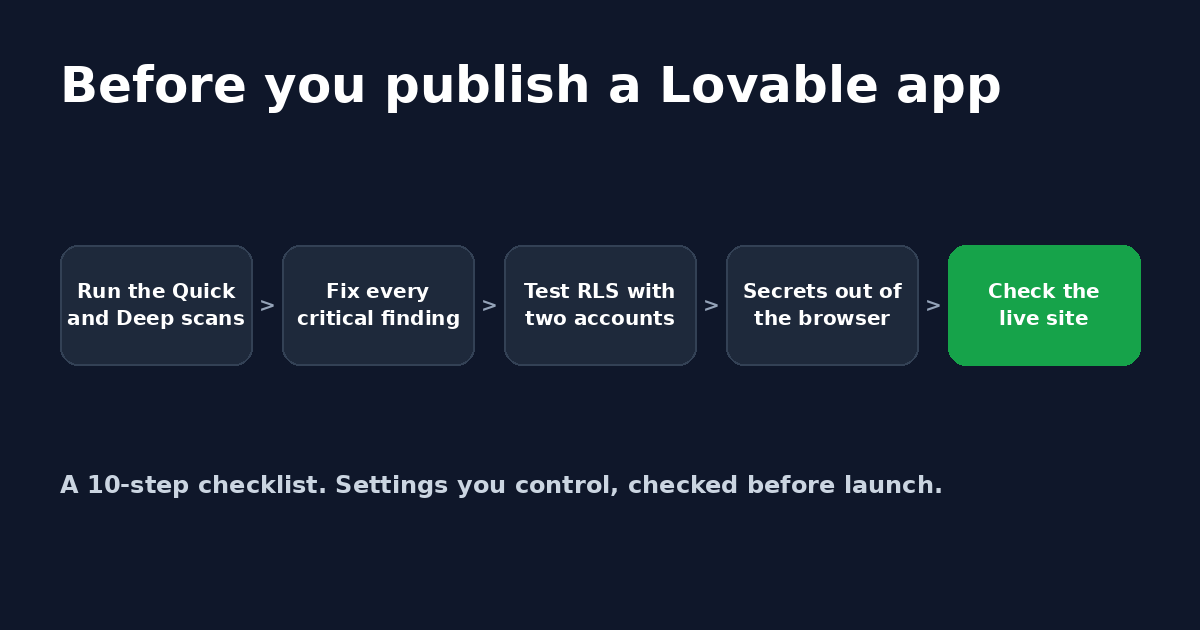
Is Lovable secure? A 10-step checklist before you launch
A plain-English checklist to run before you publish a Lovable app: security scans, RLS policies, secrets, server-side checks and sign-in settings.
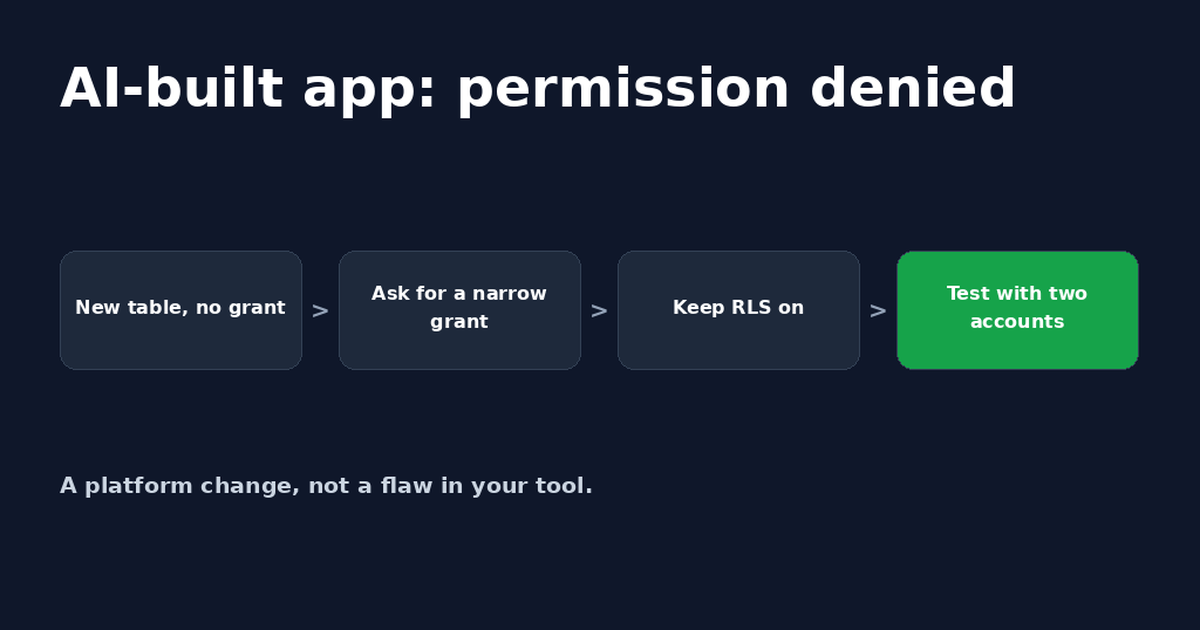
Lovable Supabase Permission Denied? Fix for Bolt Apps Too
A Lovable or Bolt app saying Supabase permission denied usually means a new table has no GRANT. A safe prompt for your AI tool and how to check it.
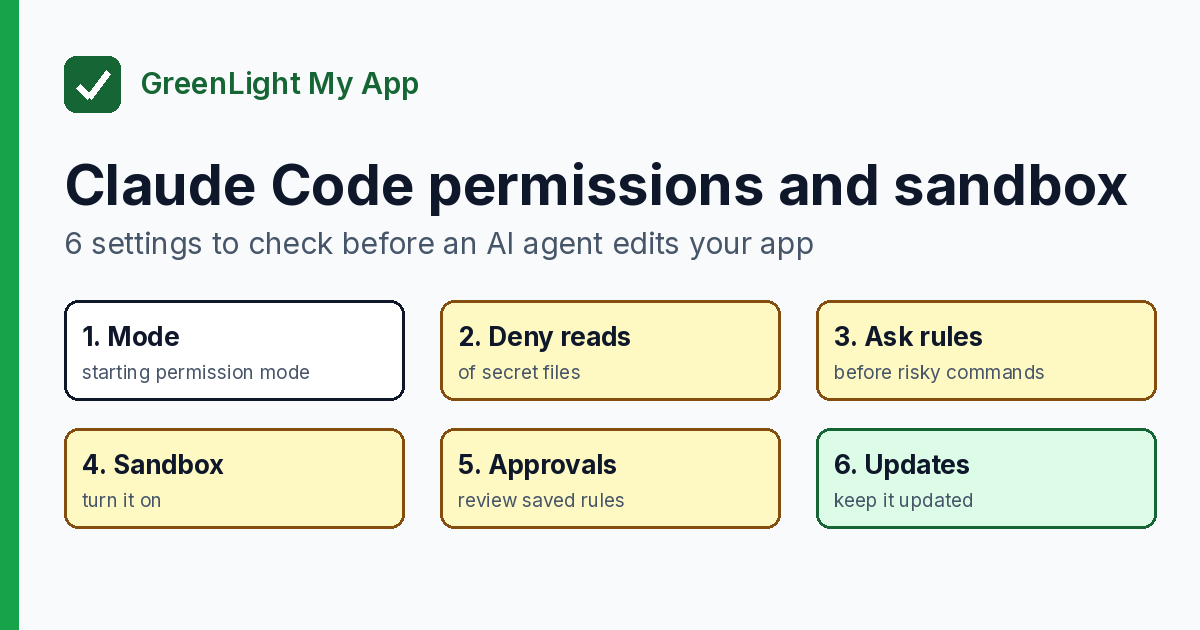
Claude Code permissions and sandbox: 6 settings to check before an AI agent edits your app
Before an AI agent edits your app, check 6 Claude Code permissions and sandbox settings: mode, deny rules, ask rules, sandbox, approvals, updates.


Get the next change before it bites
Greenlight tips and new blog posts: short, practical notes when Supabase, Lovable, Bolt, Cursor or another tool you build with changes something that affects your app, plus what to check. About twice a month.
We'll send a confirmation email first. Unsubscribe anytime. Privacy. Greenlight My App is independent and not affiliated with or endorsed by Supabase, Lovable, Bolt, Cursor or any other tool we mention.
Greenlight is independent and not affiliated with or endorsed by Bolt (bolt.new), Supabase, Vite, Stripe or OpenAI. Product names are used only to identify the tools this guide is about. This page is general information, not professional security advice, legal advice, a security audit or a guarantee. Check your own setup against the vendor's current docs.