Best vibe coding tools: builders, AI editors and backends
Vibe coding tools fall into three groups: app builders (Lovable, Bolt, v0, Replit), AI editors and agents (Cursor, Claude Code, Codex) and backends (Supabase, Firebase). Most projects use one of each.

On this page
- Vibe coding tools compared at a glance
- What are the best app builders for vibe coding?
- What are the best AI code editors and agents?
- Which backend should a vibe-coded app use?
- How do vibe coding tools fit together? Three example setups
- What should you check on any vibe coding tool before launch?
- How do you pick the right vibe coding tool?
- FAQ
- Picked your tool? Scan your app before launch.
The best vibe coding tools fall into three groups, and most projects use one from each: an app builder that turns a prompt into a working app (Lovable, Bolt, v0, Replit), an AI editor or agent for working in real code (Cursor, Claude Code, Codex), and a backend that stores your data and logins (Supabase, Firebase). The right mix depends on whether you want to write code at all.
By Gary, Greenlight My App · Compared on Oct 21, 2026; based on each vendor's public site · Drafted with AI tools and reviewed before publishing. We don't rank vendors, aren't affiliated with any of them, and grouped them by type rather than "best to worst."
New to the term? Start with what vibe coding is. This page is the practical next step: which tools do what, how they fit together, and what to check before you put a vibe-coded app in front of real users.
Vibe coding tools compared at a glance
| Tool | Type | What the vendor says it does | Good fit if you... |
|---|---|---|---|
| Lovable | App builder | "Describe what you want in plain language," with hosting, authentication and payments handled | Want a full app without touching code |
| Bolt | App builder | "Build and scale high-performing websites & apps using your words" | Want quick web prototypes and apps |
| v0 (Vercel) | App builder | An AI assistant "to design, iterate, and scale full-stack applications for the web" | Want web apps that fit a Vercel workflow |
| Replit | App builder + cloud workspace | "Describe what you want. Replit builds it." | Want to build and run in the browser |
| Cursor | AI code editor | Editor with an agent that reads and edits your workspace | Like coding with AI in the same window |
| Claude Code | Coding agent | Runs in the terminal, IDEs, a desktop app and the browser | Prefer handing an agent tasks to review |
| Codex | Coding agent | OpenAI's agent in the CLI, IDE extension, web and desktop app | Already use ChatGPT |
| Supabase | Backend | "A Postgres database, Authentication, instant APIs, Realtime, Functions, Storage" | Want SQL and row level security |
| Firebase | Backend | "Google's mobile and web app development platform" | Build mobile apps or use Google Cloud |
Quotes are from each vendor's site, checked Oct 21, 2026. Plans and prices change often, so check each vendor's pricing page before you choose.
What are the best app builders for vibe coding?
Lovable, Bolt, v0 and Replit all build a working app from a plain-English prompt. They differ in where your code lives, how hosting works and how much code you see.
- Lovable (external) says it handles "hosting, SSL, and backend infrastructure," plus authentication, payments and integrations. It's a common pick for people who don't code. See our Lovable review and Lovable launch security checklist.
- Bolt (external) builds websites, apps and prototypes from your words in the browser. See our Bolt.new launch checklist.
- v0 (external) is Vercel's AI assistant for full-stack web apps, a natural fit if you'll host on Vercel.
- Replit (external) builds an app or website from a description and runs it in Replit's cloud workspace.
What are the best AI code editors and agents?
If you're willing to look at code, an editor or agent gives you more control than an app builder.
- Cursor is an AI code editor. Its agent can edit workspace files and asks before running terminal commands by default (Cursor docs (external)).
- Claude Code is Anthropic's coding agent, included in paid Claude plans (docs (external)). See Claude Code pricing.
- Codex is OpenAI's coding agent, included with ChatGPT plans and limited on the Free plan (OpenAI (external)).
- Windsurf: as of Oct 21, 2026, windsurf.com presents itself as "Devin Desktop," so check the current product before you choose it.
Comparing two of these? See Cursor vs Claude Code and Codex vs Claude Code.
Which backend should a vibe-coded app use?
Supabase and Firebase are the two you'll see most in AI builders' templates.
- Supabase (external) gives you a Postgres database, authentication, instant APIs, storage and functions. Access control is done with row level security (RLS). See what Supabase RLS is and is my Supabase anon key safe?
- Firebase (external) is Google's app platform, widely used for mobile apps. Access is controlled with Firebase security rules.
If your builder picks the backend for you, find out which one it is and where its access rules live.
How do vibe coding tools fit together? Three example setups
Most real projects mix tools from more than one group. Here are three common setups, from least to most code:
- No code at all: an app builder plus the backend it connects for you. For example, you describe the app in Lovable or Bolt, and it sets up a Supabase project. You never open an editor, so the main jobs left to you are checking database rules and testing logins before you share the link.
- Builder first, code later: you start in an app builder, sync the project to GitHub, then open it in Cursor or hand tasks to Claude Code or Codex when the builder can't do what you want. Commit before every agent task so you can undo changes.
- Code from day one: an AI editor or agent on your own repo, with Supabase or Firebase as the backend and your own hosting. This gives you the most control, and also puts every setting, from environment variables to security headers, in your hands.
Whichever setup you choose, write down where your secrets live and who can change the database rules.
What should you check on any vibe coding tool before launch?
These are the settings to check whichever tool built your app. They aren't faults of any one product; they're steps that are easy to skip when an AI writes the code.
| What to check | Why it matters | How to fix |
|---|---|---|
| Database access rules | Without RLS or security rules, a public key may read or change data | Turn on RLS (Supabase) or security rules (Firebase) for every table or collection |
| Secret keys in frontend code | Anything in the browser bundle is public | Keep secret keys on the server; never in VITE_ or NEXT_PUBLIC_ variables |
.env and .git exposure | A served .env file can hand out every secret | Make sure your host doesn't serve them (what a .env file is) |
| Production source maps | They can expose your original source | Turn them off for production (source maps guide) |
| HTTPS and security headers | Basic browser protections | Check with our security headers checker |
| Agent permissions | An agent with broad permissions can change things you didn't ask for | Keep default approvals on; see Claude Code permissions |
How do you pick the right vibe coding tool?
- Decide how much code you want to see. None means an app builder; some or a lot means an editor or agent.
- Pick your backend early. Moving data between Supabase and Firebase later is real work.
- Check what's included. Hosting, logins and payments come built in with some builders and not with others.
- Start on a free or entry plan, then upgrade once a real project needs more.
- Plan your launch check before you share the link.
FAQ
What is the best free vibe coding tool? Several have free plans or free tiers, and those change often. Check each vendor's pricing page. Codex, for example, has limited access on ChatGPT's free plan, and Cursor has a $0 plan as of Oct 21, 2026.
What is the best vibe coding tool for beginners? If you don't code, start with an app builder like Lovable, Bolt, v0 or Replit. Keep the defaults and learn what your database rules do before launch.
Are vibe-coded apps safe? They can be, but no tool makes an app safe on its own. Check database rules, keep secret keys on the server and scan the live app before launch.
Do I need a backend for a vibe-coded app? If your app has users, logins or saved data, yes. Many builders connect one for you, often Supabase.
Can I switch tools later? Usually, if you can export or sync your code to GitHub. Check that before you build anything big.
What is vibe coding? See our full explainer: what is vibe coding?
Picked your tool? Scan your app before launch.
Run a free Greenlight My App scan of your live app. It's automated, read-only and educational, not a security audit: it checks HTTPS, common security headers, exposed .env or .git files, public source maps and common secret key patterns in the scripts your homepage loads. If it finds a Supabase public key, it checks which tables return rows to that key without reading row data. "Nothing found" isn't a guarantee that nothing is exposed.
Sources
On this site
Related posts
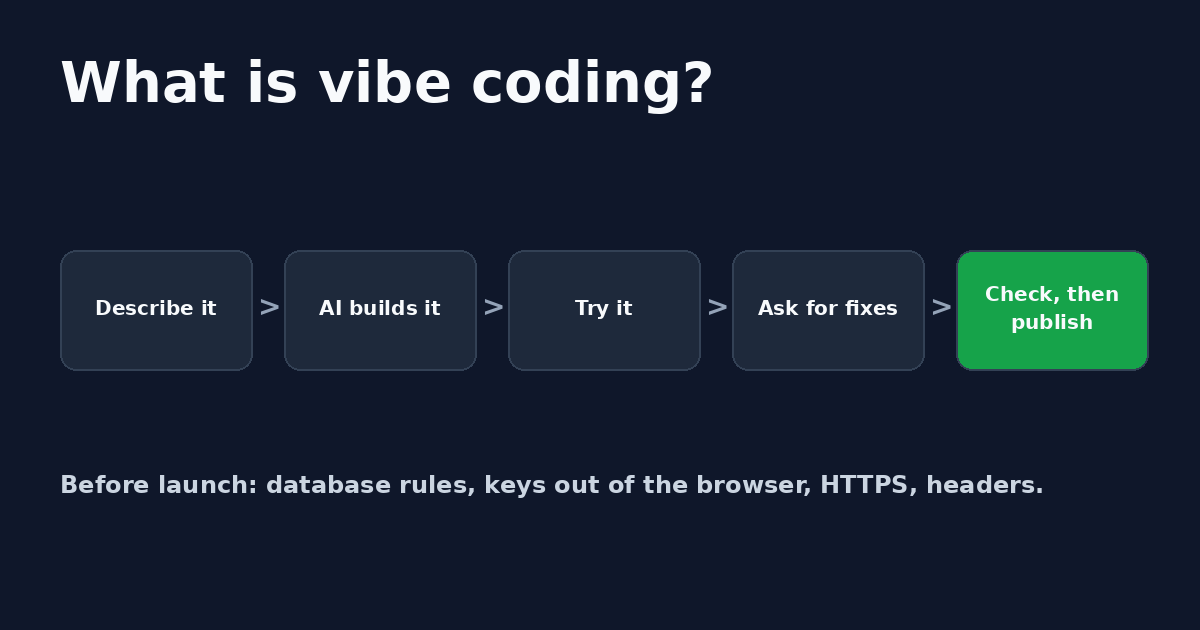
What is vibe coding? Meaning, examples and what to check before launch
What is vibe coding? Building software by prompting an AI and accepting its code. Who coined it, how to vibe code in 5 steps and what to check first.

Get the next change before it bites
Greenlight tips and new blog posts: short, practical notes when Supabase, Lovable, Bolt, Cursor or another tool you build with changes something that affects your app, plus what to check. About twice a month.
We'll send a confirmation email first. Unsubscribe anytime. Privacy. Greenlight My App is independent and not affiliated with or endorsed by Supabase, Lovable, Bolt, Cursor or any other tool we mention.
Greenlight My App is independent and not affiliated with or endorsed by Lovable, Bolt, StackBlitz, v0, Vercel, Replit, Cursor, Anthropic, Claude Code, OpenAI, Codex, Windsurf, Devin, Supabase, Firebase or Google. Tools are grouped by type, not ranked. Descriptions are from each vendor's public pages as of Oct 21, 2026 and can change. Each is a trademark of its owner; not affiliated with Greenlight My App. This page is general information, not professional security advice, legal advice, a security audit or a guarantee. Check your own setup against the vendor's current docs.